AI for interior design
A practical way to work smarter
AI for interior design is becoming part of everyday work in creative fields like interior design, architecture and home staging. But many designers still feel unsure about AI. It can seem complex or too technical. Some think they do not really need it.
In reality, AI can work as a simple and practical assistant, especially for designers who manage many tasks alone. Interior designers often deal with time pressure, administrative work, client communication, content creation and constant creative thinking. AI does not take over these responsibilities, but it can support them and make the work easier.
Interior design and AI: a new layer of efficiency
Interior design is a complex profession. It requires creative ideas, but also organization, communication, technical thinking and business skills. A typical project includes creating concepts, meeting clients, sourcing materials, preparing presentations, managing timelines and often handling marketing at the same time. Many designers do all of this on their own.
This is where AI for interior design becomes useful.
AI can help with repetitive and time-consuming tasks. It allows designers to spend more time on creative work instead of documentation or organizing information. Many processes can be done faster and with less effort. For many designers, AI feels like an assistant that is always available. It can help when you feel stuck, need ideas or want to work faster.
Where AI supports interior designers the most
AI works best when used in the right areas.
Time management and organization
One important area is time management and organization. Designers often handle a lot of information during meetings and projects. AI can turn notes into clear summaries in a short time. This helps avoid mistakes and makes communication with clients easier.
Communication
Communication is another area where AI helps. Writing emails, answering client feedback, preparing presentations and managing social media all take time. AI can create drafts and suggest structure, so designers do not need to start from zero every time.
Creative work
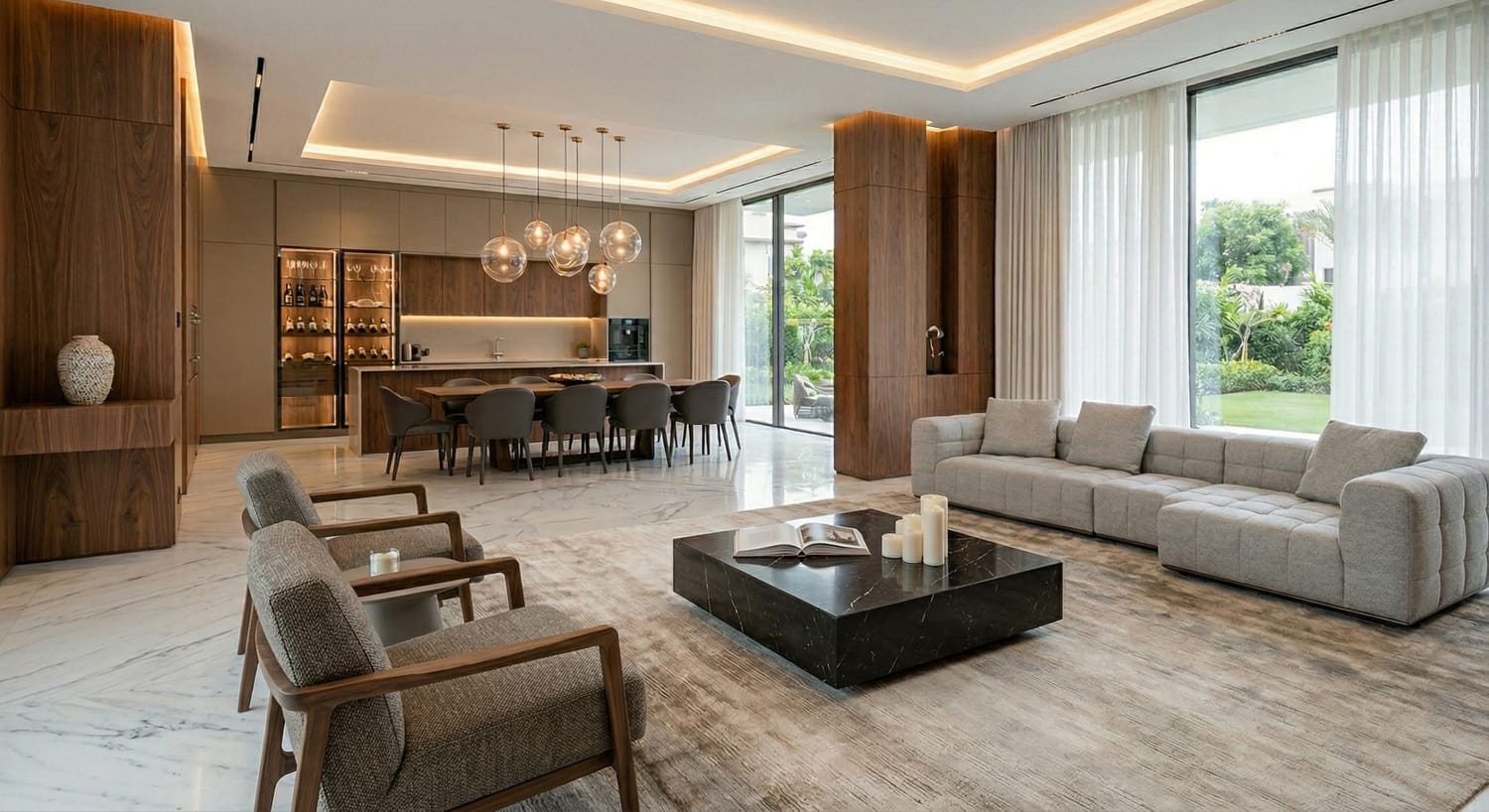
Creative work also benefits from AI. Creating concepts, moodboards, styles, rendering and redesign can take many hours. AI allows designers to explore different ideas quickly and test multiple directions. This often helps creativity instead of limiting it.
Problem solving
AI is also useful when problems appear during a project. For example, if materials are not available or something needs to change, AI can suggest alternatives and compare options. This helps designers make decisions faster and explain them clearly to clients.
How AI integrates into daily design work
Even simple use of AI can improve daily work. After a client meeting, designers can speak or write key points and get a structured summary quickly. This is helpful when fast follow-up is needed or when working with contractors.
Content creation also becomes easier. AI can help with social media posts, blog posts or marketing texts. It gives a starting point that designers can edit and personalize. This saves time and keeps quality high.
AI-generated visuals are also becoming important. Designers can create inspiration images, moodboards and renderings faster. Instead of searching for references for hours, they can generate ideas that match their project.
Over time, these improvements save a lot of time and make the workflow more organized.
What AI cannot replace
It is important to understand the limits of AI.
It does not understand emotions, client needs or personal style in the same way a human does. It also does not take responsibility for design decisions. The experience of the designer is very important, and this cannot be replaced. Responsibility for the project also stays with the designer.
AI supports the process, but the functional, creative direction and final decisions always come from the designer.
A more sustainable way of working
AI also helps improve the way designers work over time. Interior designers often handle many tasks at once. This can create stress and make it hard to focus. AI reduces manual and repetitive work, which makes it easier to concentrate on creative tasks.
This is not only about working faster. It is also about working with more clarity and less pressure. This helps designers grow in a more sustainable way.
Conclusion: AI makes interior design processes smoother
AI for interior design supports the work of designers. It does not replace creativity, but it helps make the process easier and more efficient. For designers who have not used AI yet, it can open a new way of working that is faster and more organized. When used in the right way with the right AI prompts, AI becomes a helpful tool in everyday tasks.
Where to start if you want to use AI in your work
Knowing that AI can help is one thing. Knowing how to actually use it in your daily workflow as an interior designer is another.
Most designers spend hours experimenting with tools and get results that feel generic or off-brand. That's why I put together a dedicated space for interior designers who want to use AI practically, from creating AI renders, moodboards, redesign and much more.
→ AI for Interior Designers — see what's inside
You'll find prompt templates, tool guides and workflow examples built specifically around how interior designers actually work. No prior AI experience needed.
AI & Canva courses for interior designers, architects and home stagers
www.designerslearnai.com




© 2026 Designers Learn AI. All rights reserved.