ARCHITECTS · INTERIOR DESIGNERS · HOME STAGERS
LEARN AI THAT ACTUALLY WORKS IN INTERIOR DESIGN
Practical AI workflows for architects, interior designers, and home stagers - tested in real projects, ready to use from day one.

500+ Designers trained ǀ Live since 2024
WHY DESIGNERS STRUGGLE WITHOUT AI?
Too much time on tasks that should take minutes
Without AI, interior design professionals spend a lot of time on renderings, ideation, and client materials - time that could go toward creative work and growth.
Hours lost on renderings
Creating photorealistic renders takes hours - and clients still ask for changes.
Ideas that are hard to communicate
Clients need to see it to commit to it. Getting there takes too long.
Repetitive work killing creativity
The business side of design never stops. AI can carry a lot of that weight.
AI tools feel overwhelming
Without a clear path, it's easy to try ten tools and get nowhere.
FROM IDEA TO IMPACT
HOW AI CAN SUPPORT YOUR BUSINESS
Six AI transformations for your design practice – using only ChatGPT, Gemini Nano Banana, and Claude for creative and business workflows. No Midjourney, no Kling AI. Streamline your workflow, save time, and reduce costs by avoiding multiple AI tool subscriptions.
01
Photorealistic Renders in Minutes
Turn sketches, 3D plans, moodboards, or floor plans into stunning photorealistic visuals your clients will love.
02
Instant Space Redesigns
Upload a render or a room photo and restyle it into multiple concepts - different furniture, lighting - instantly.
03
Concept Plans & Photos to Video
Transform static project images into professional walkthrough videos that build a story and impress clients.
04
Client Communication & Sales
Build professional presentations, proposals, and client documents faster while creating a more consistent client experience.
05
Marketing & Content Strategy
Create 90 days of social media content in 10 minutes, along with blog articles, project case studies, and website content designed to consistently attract the right clients.
06
A Future-Ready Business
Use Claude and ChatGPT workflows to manage projects, organise information, and prepare complex documents in minutes while creating a more efficient business system.
WHAT YOU'LL CREATE
A GLIMPSE OF WHAT AI CAN DO FOR INTERIOR DESIGNERS
AI can already transform how you design, present and communicate your ideas. And this is only the beginning - you’ll discover many more powerful tools and workflows inside the course.
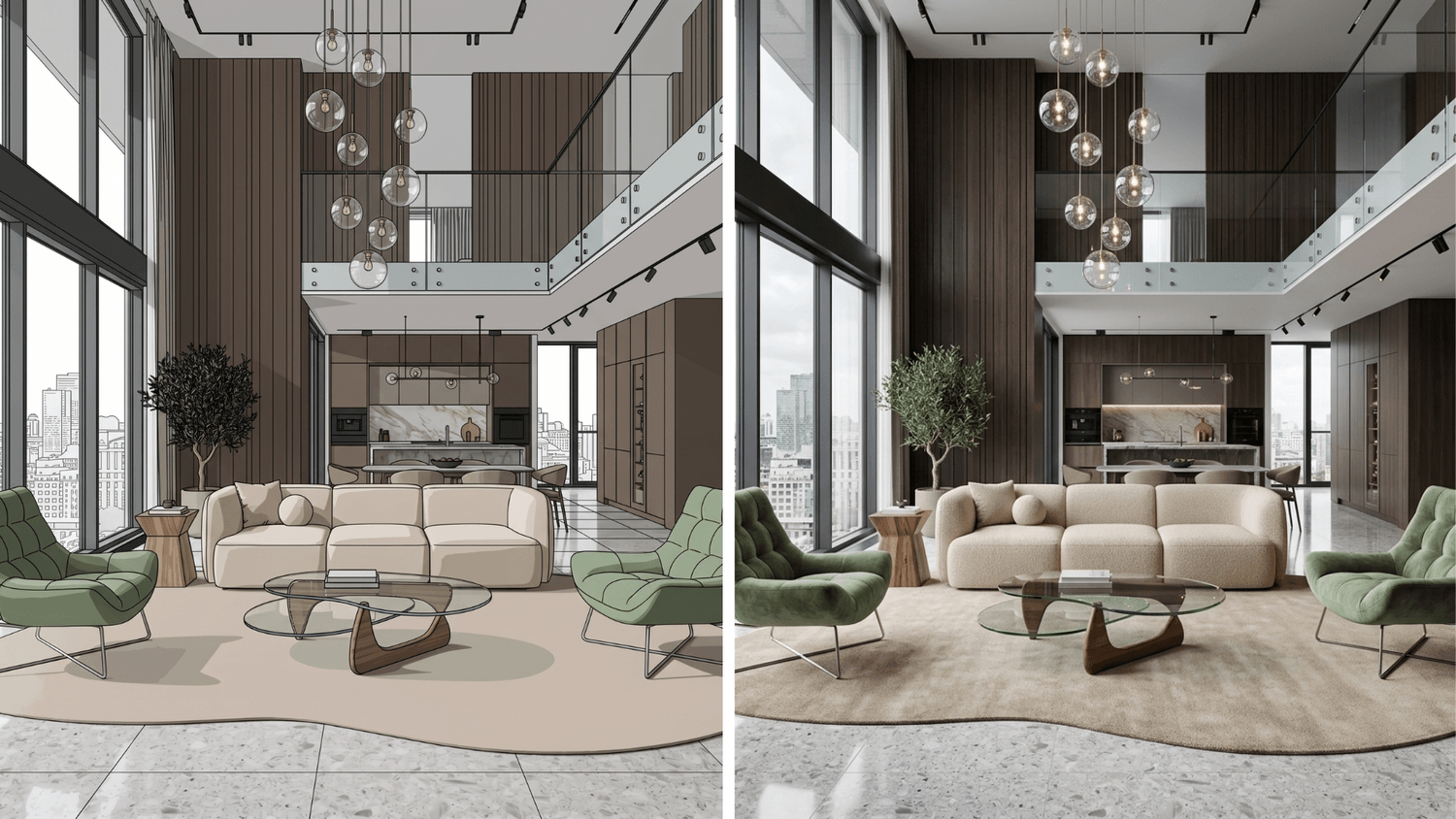
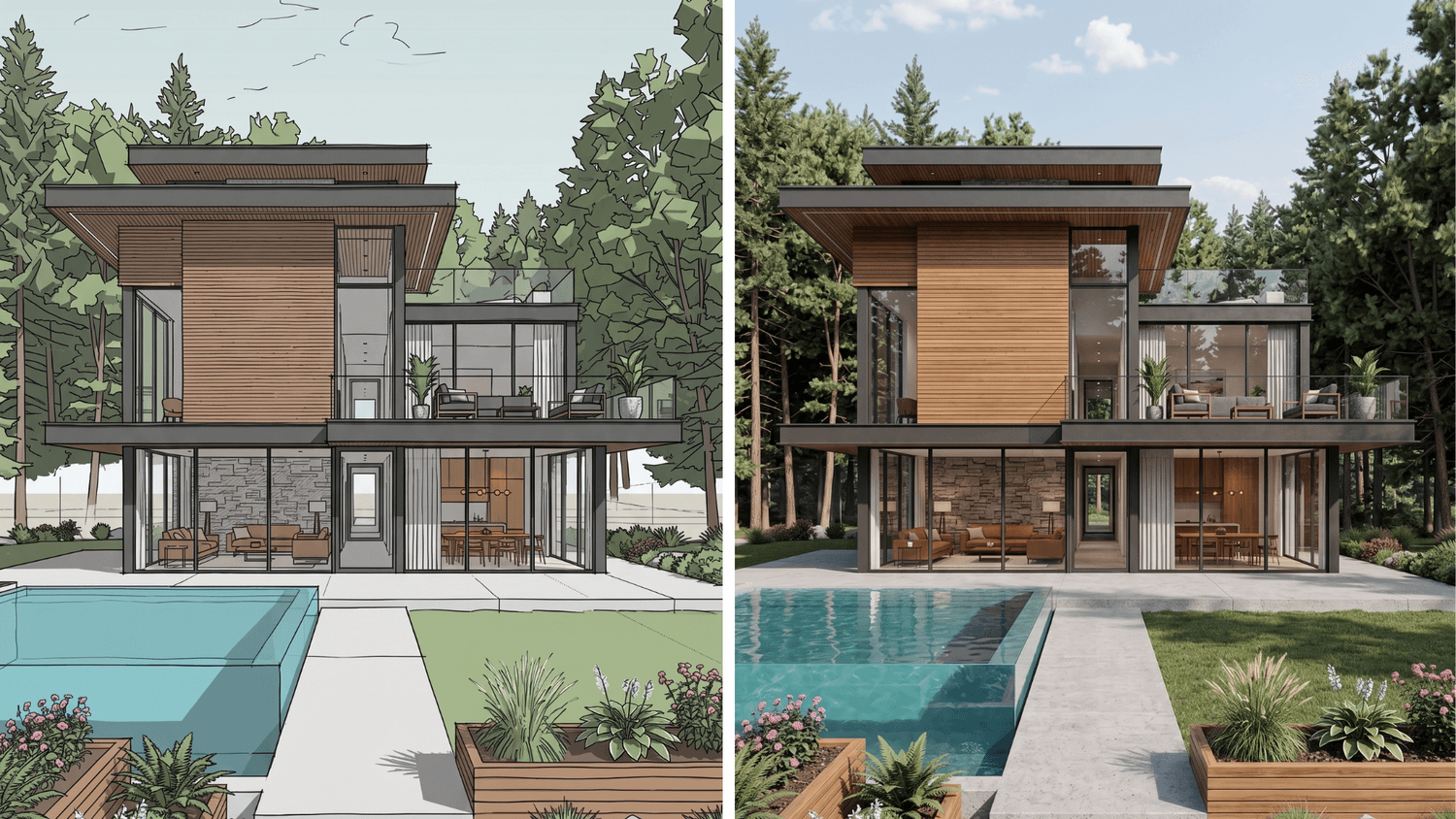
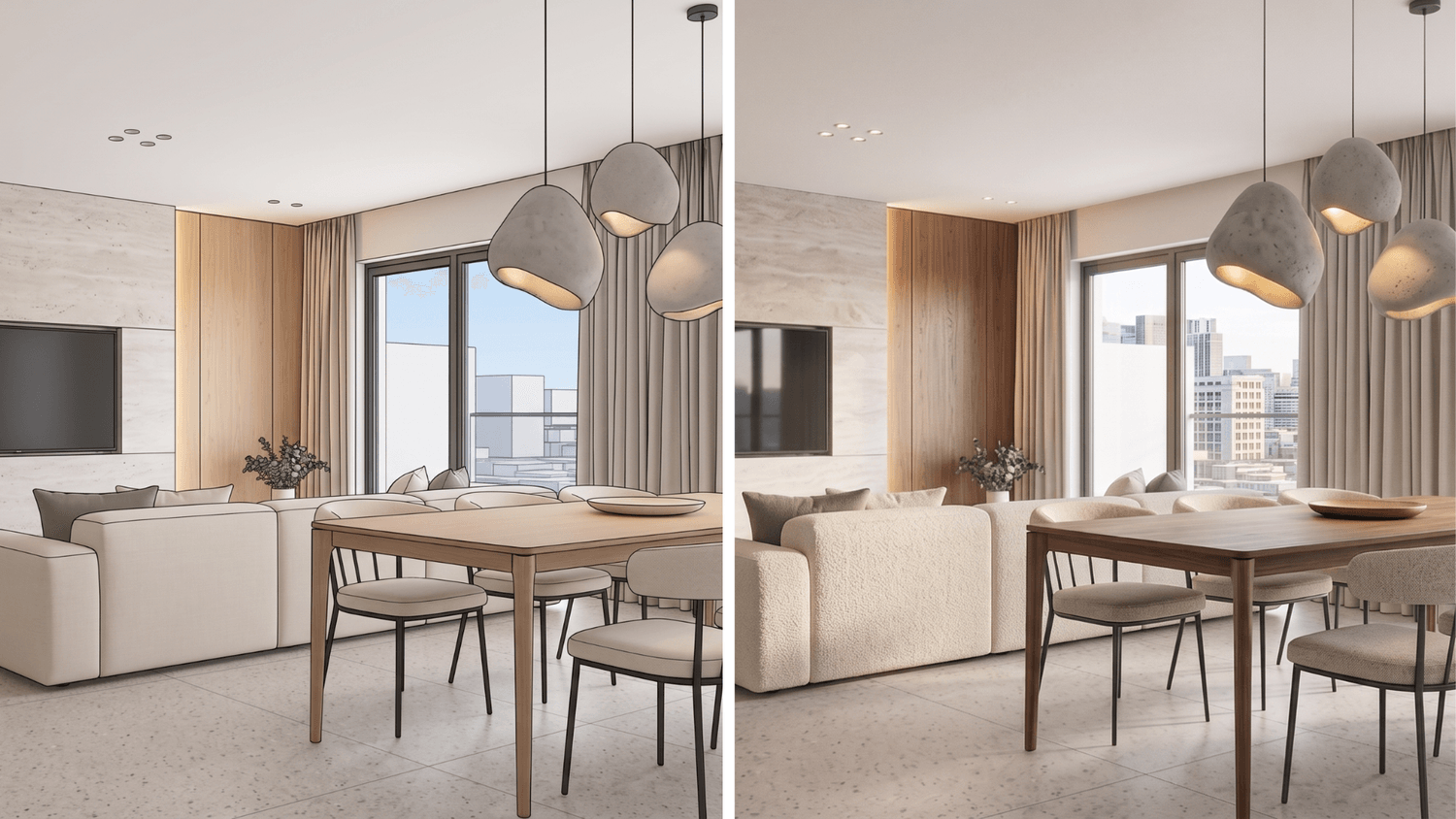
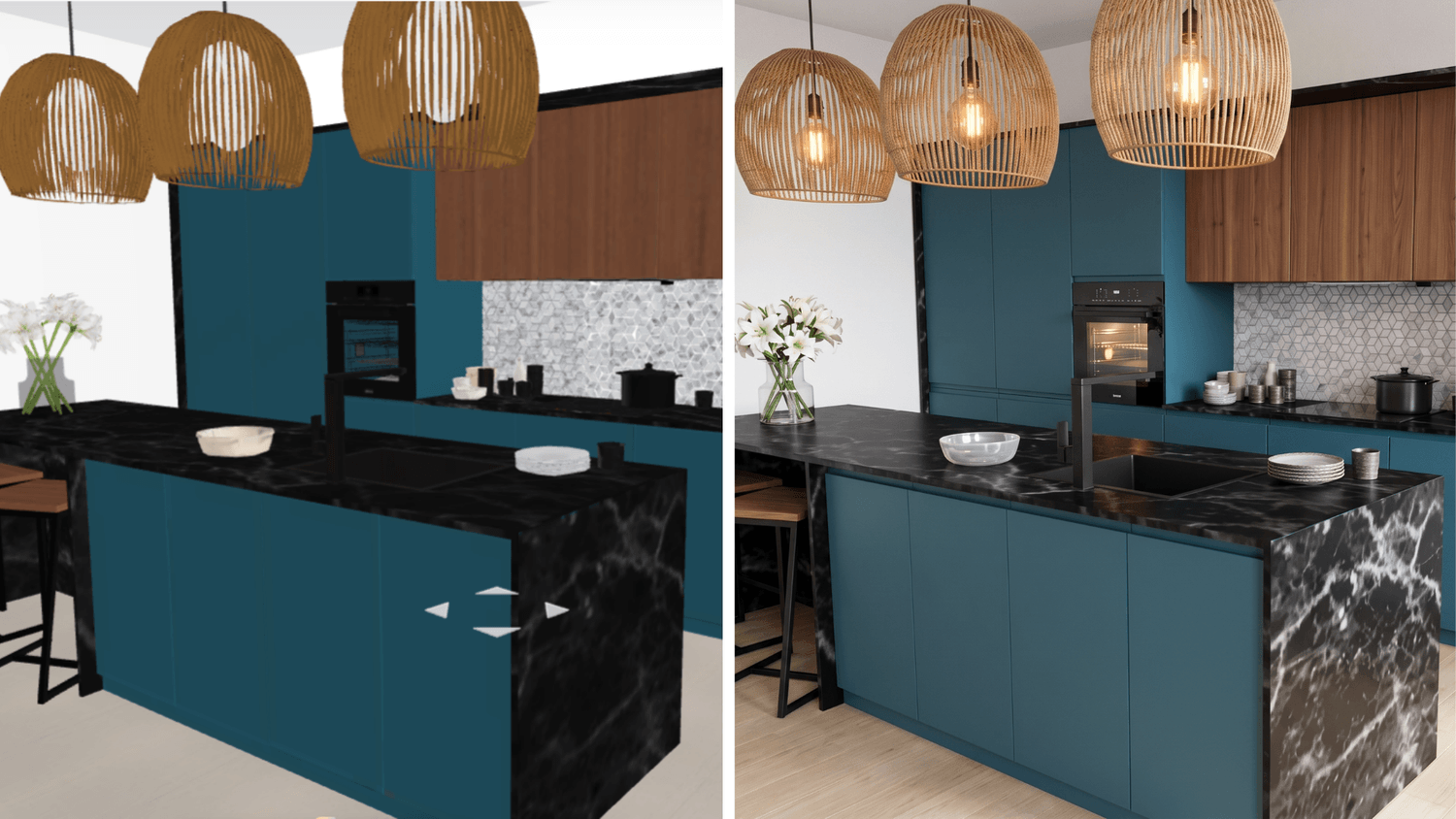
AI rendering
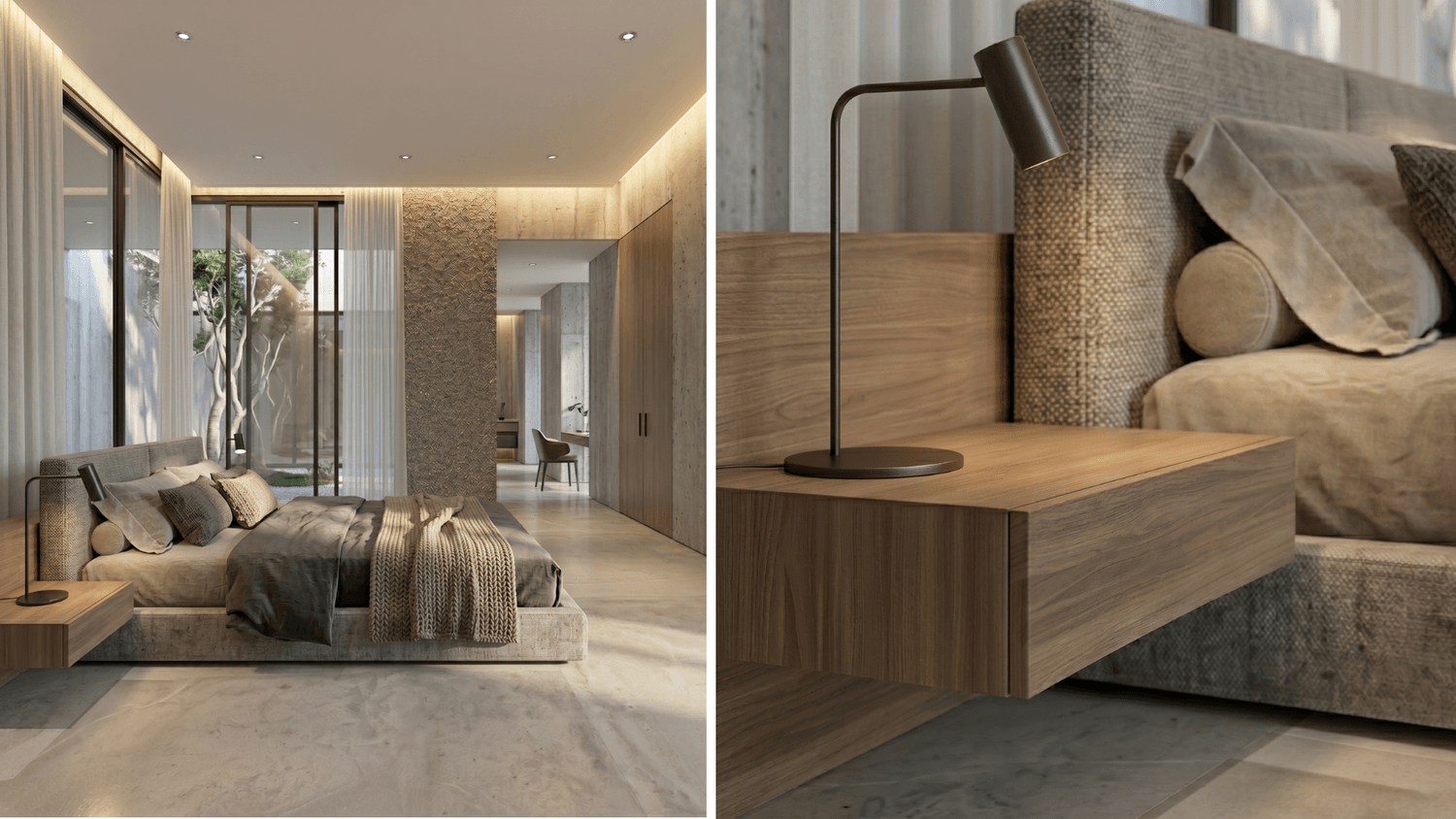
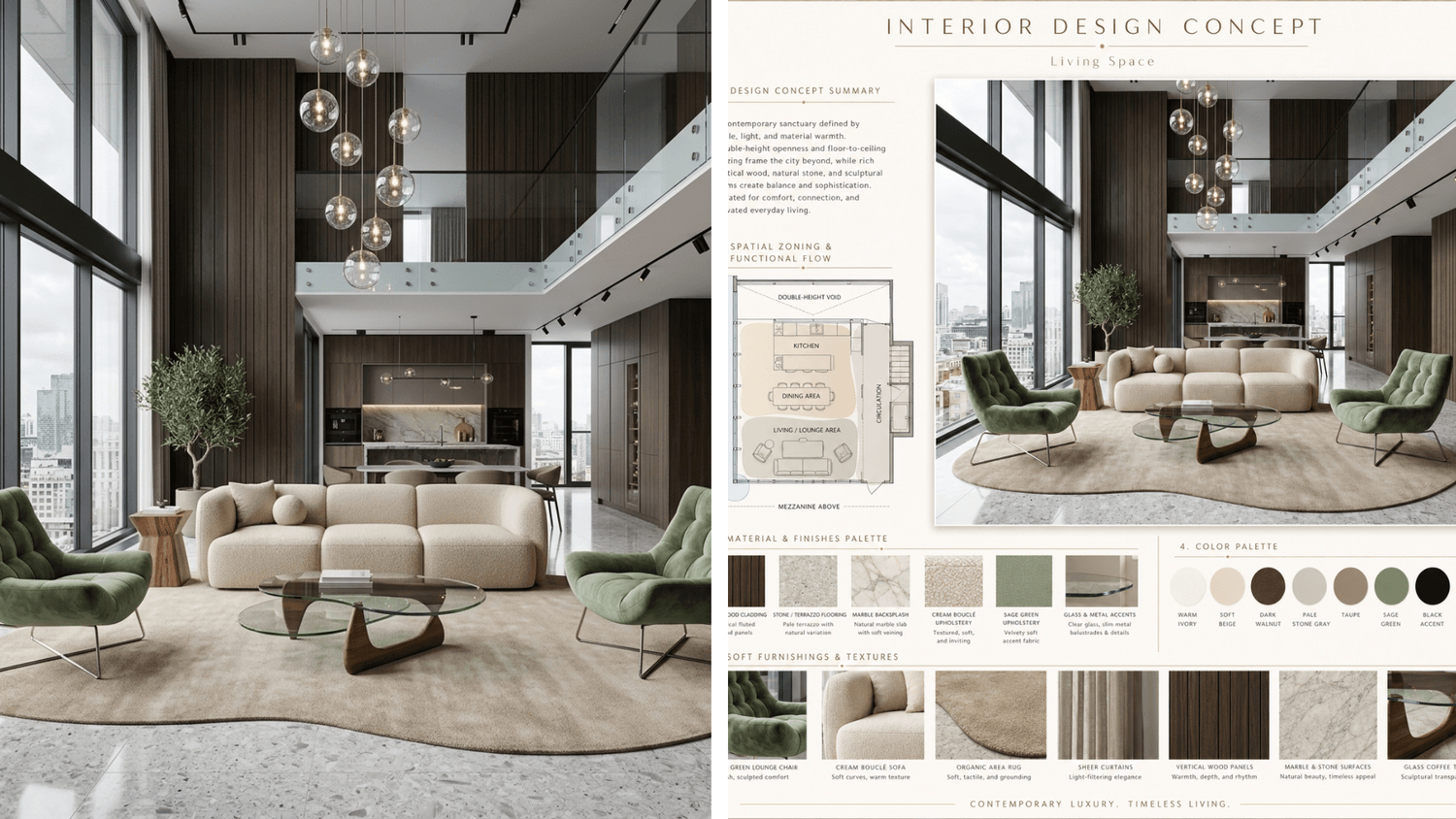
Create photorealistic renders in minutes from 3D models without downloading software or buying high-performance hardware.
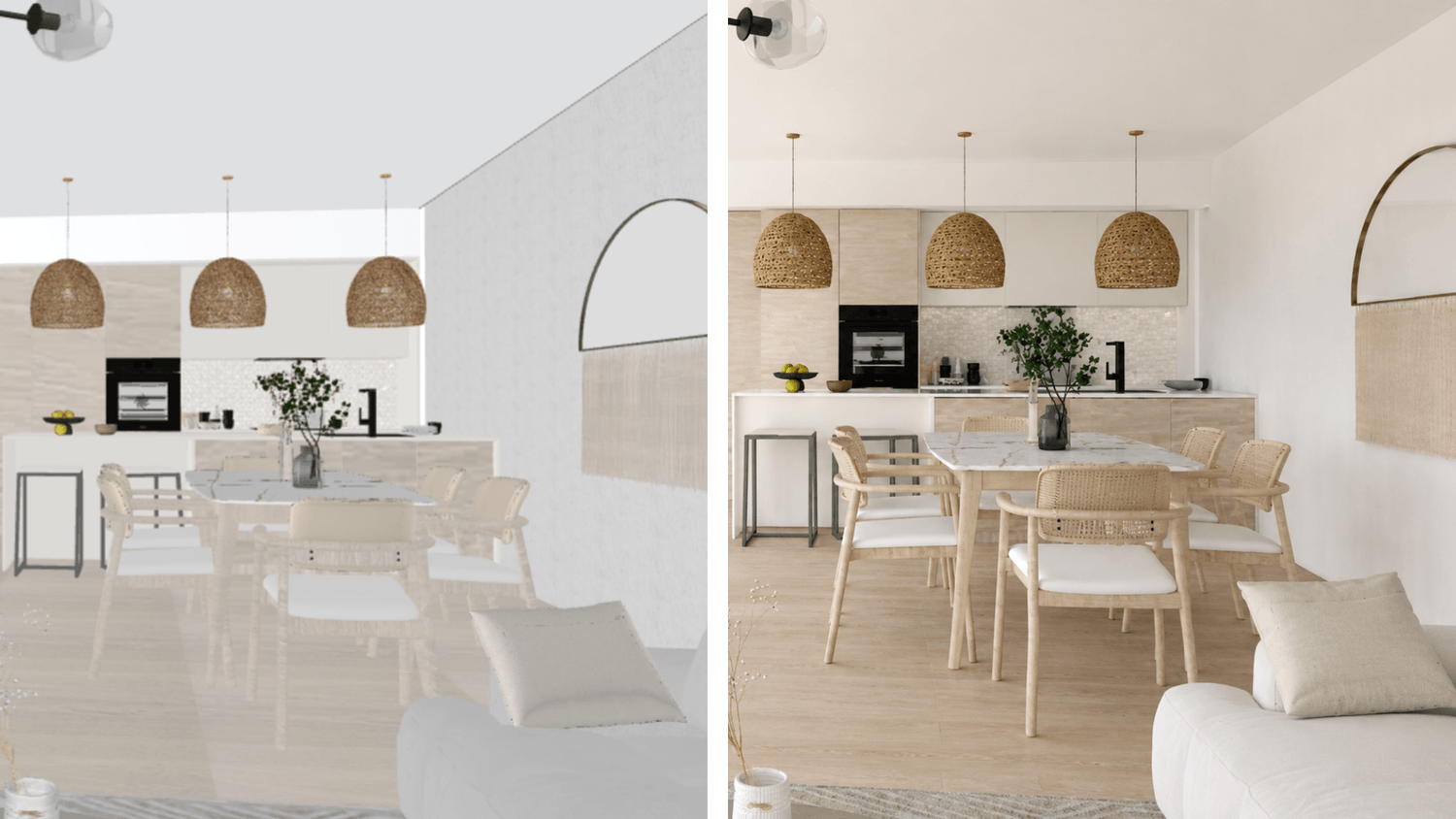
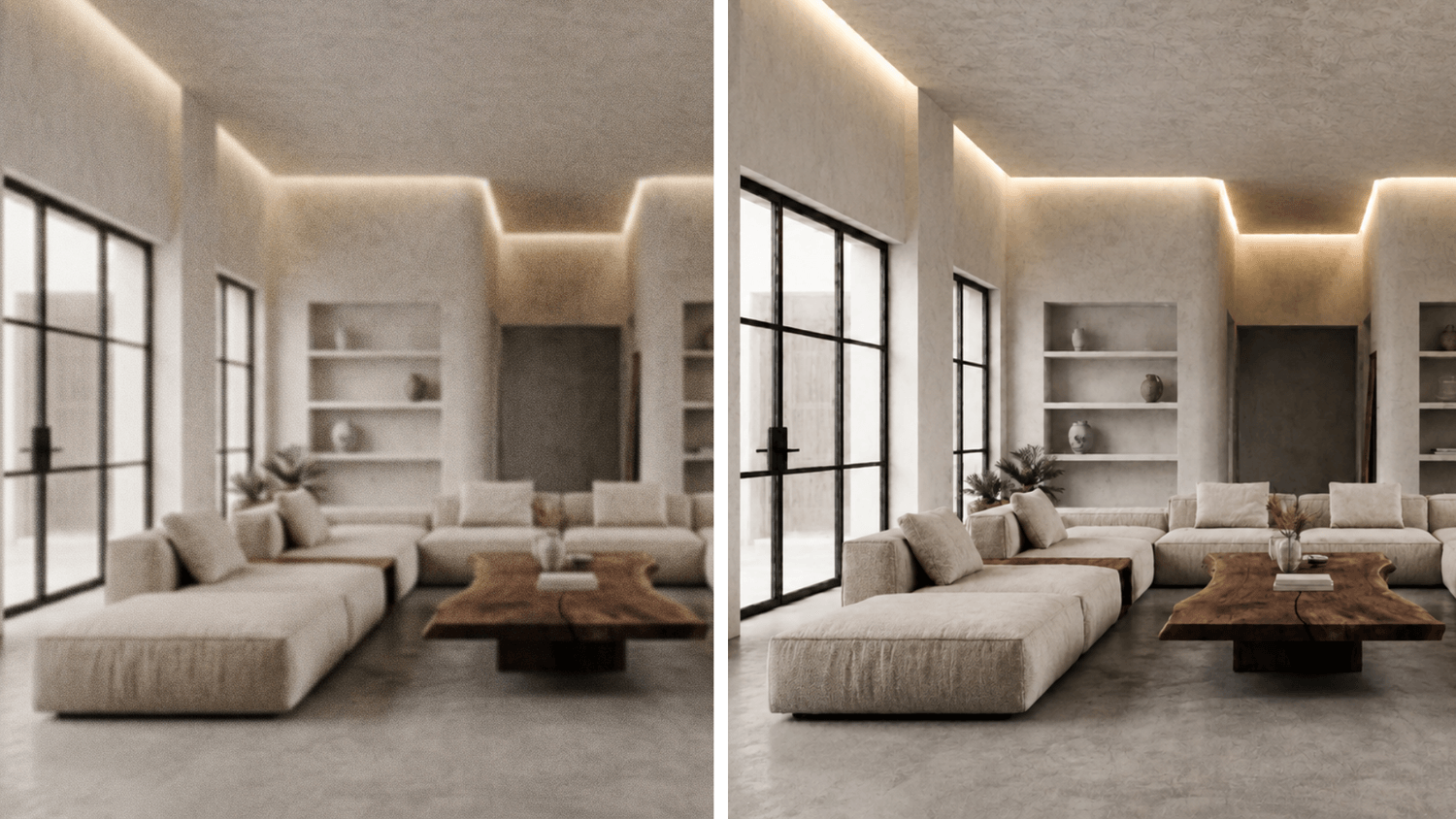
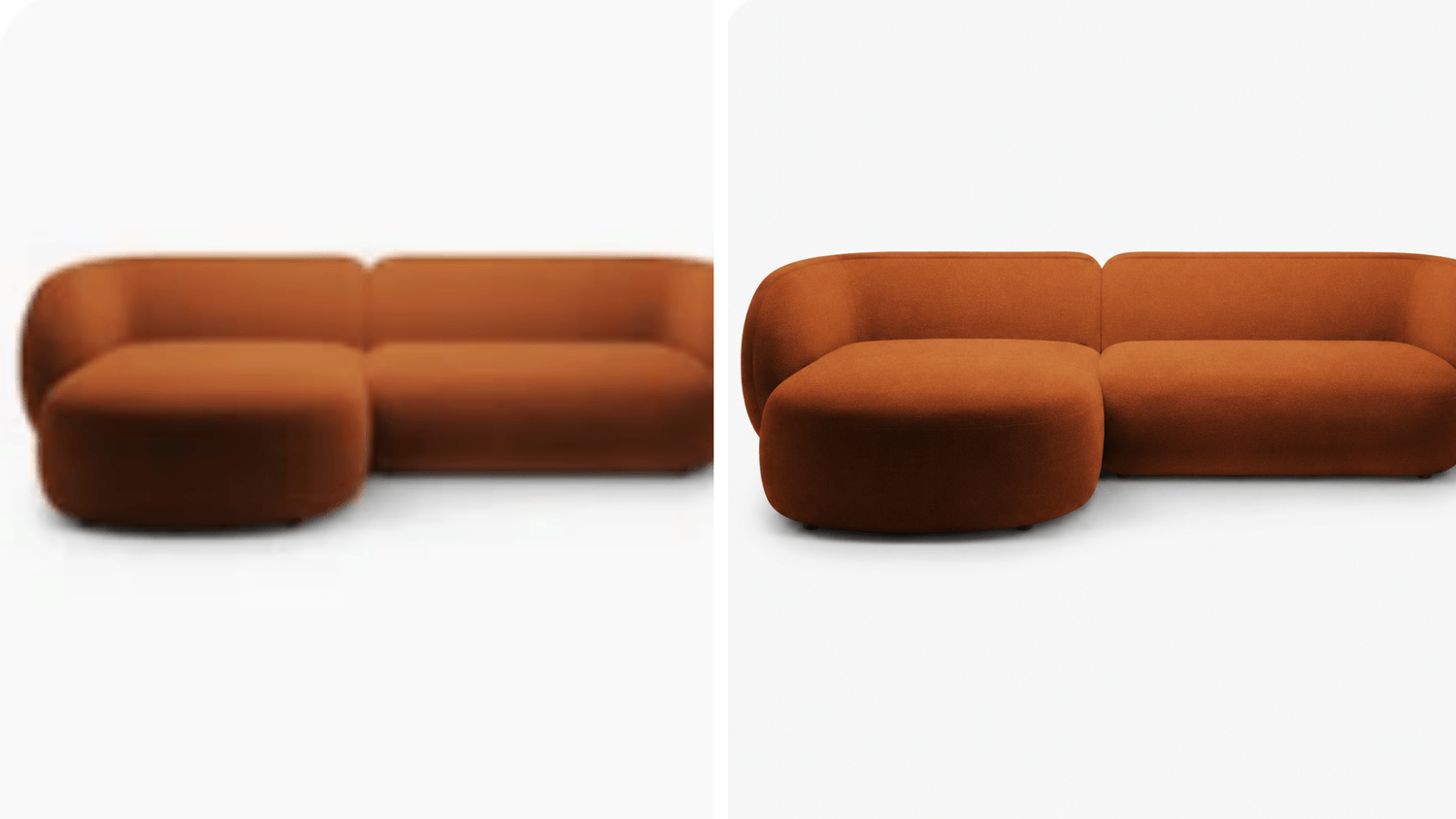
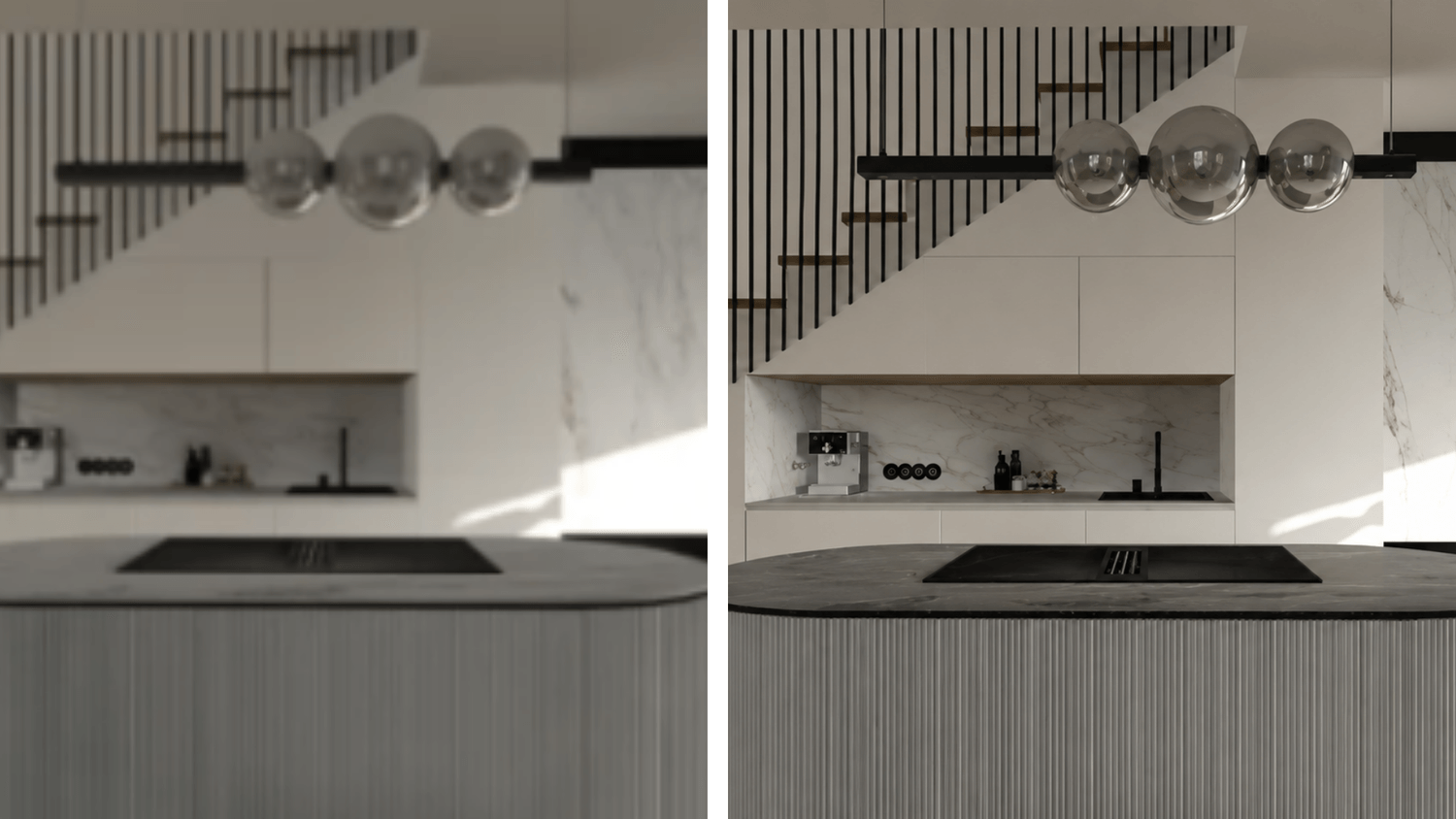
Enhance quality of your renders
Improve the quality of your renders or images for website or client presentations, achieving sharper images and higher resolution.
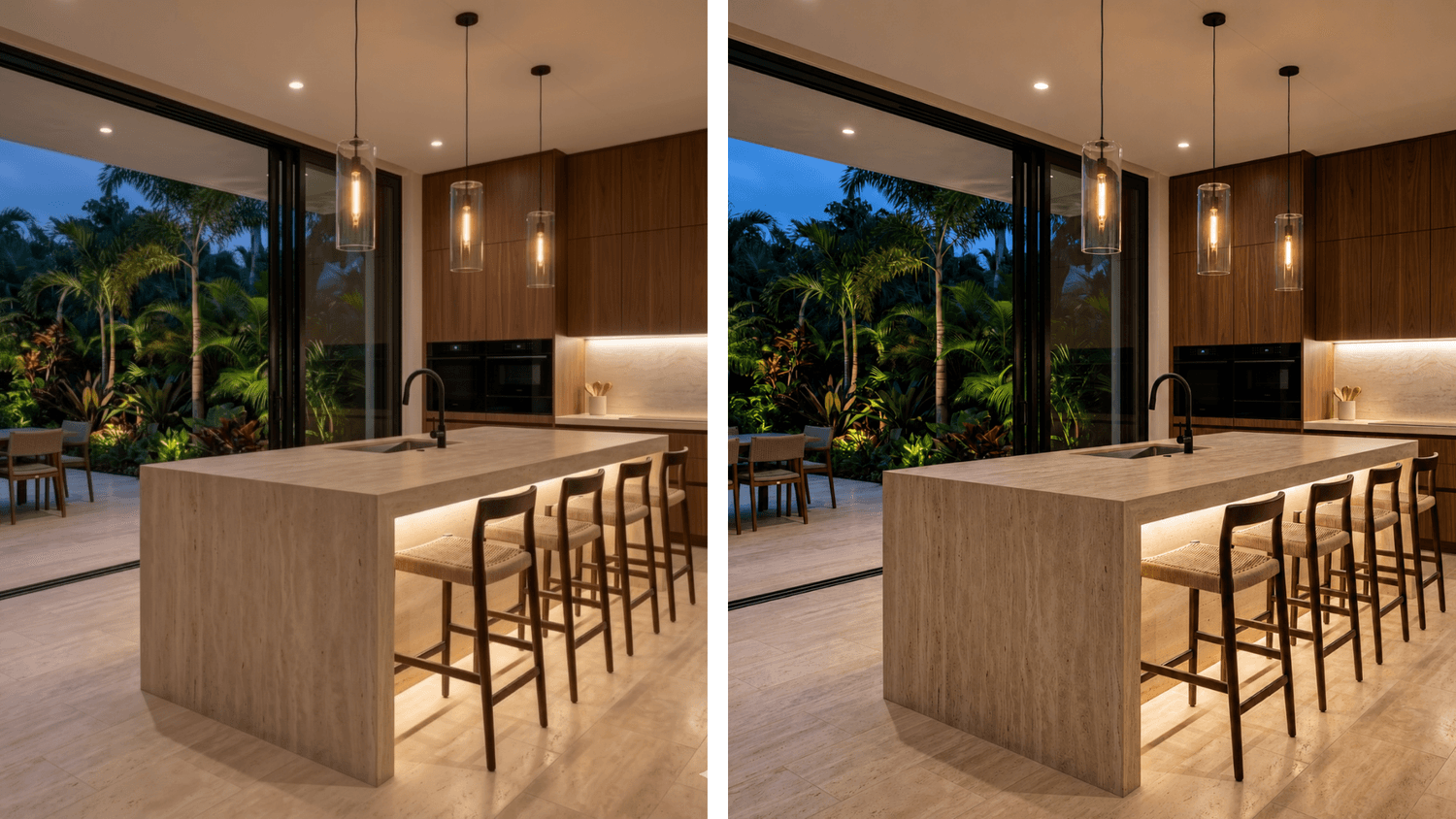
Generate multiple AI renders
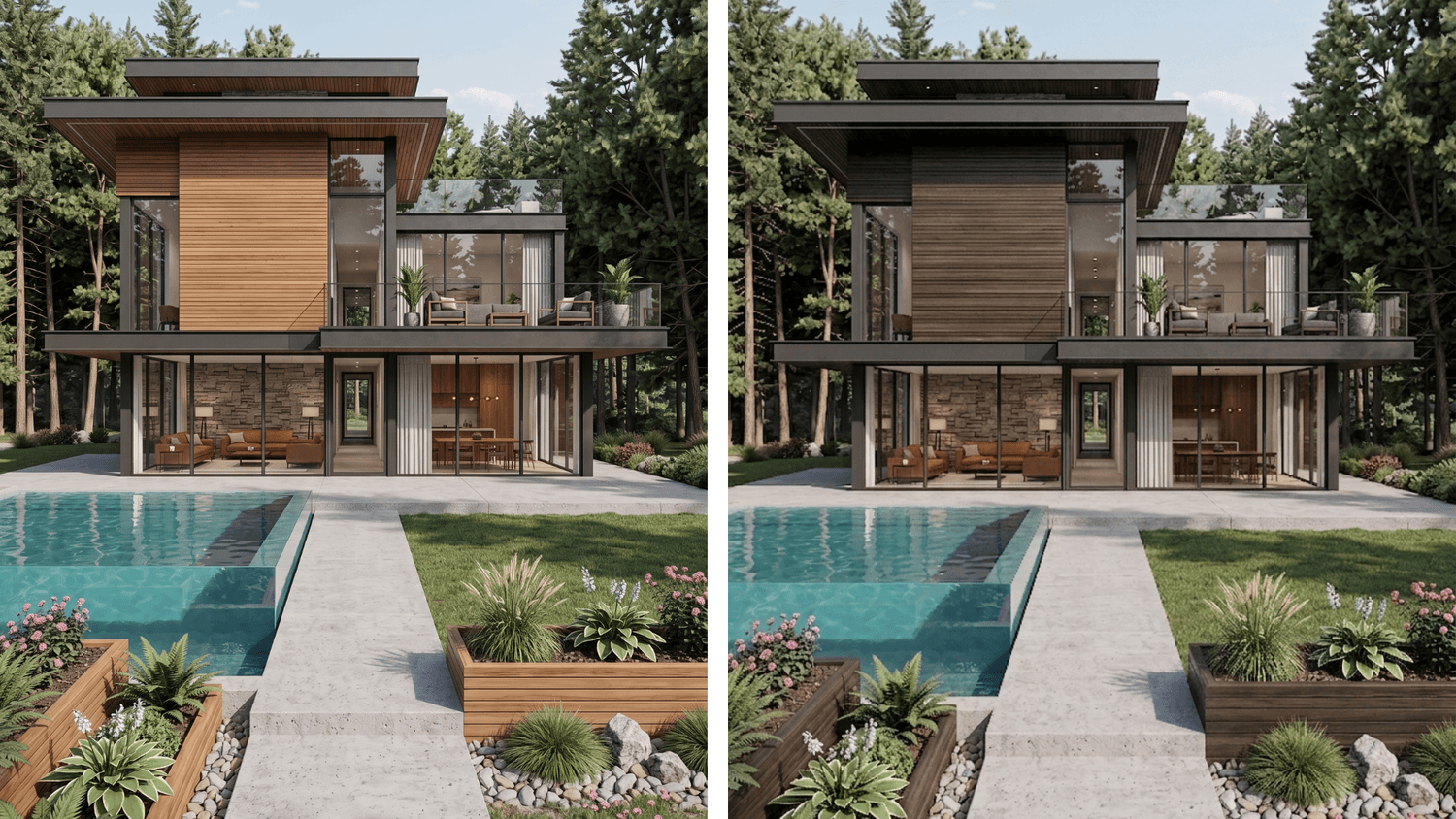
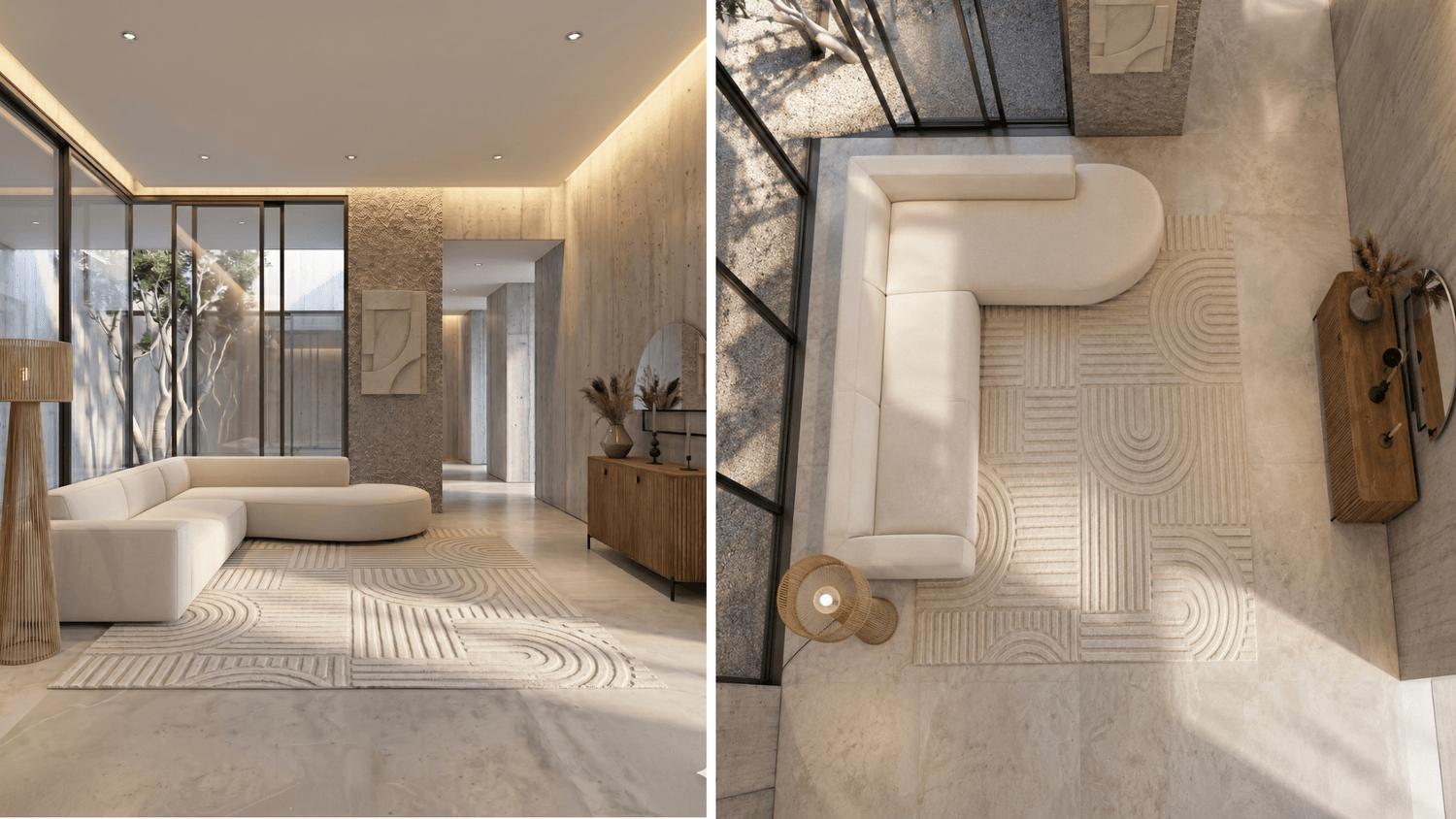
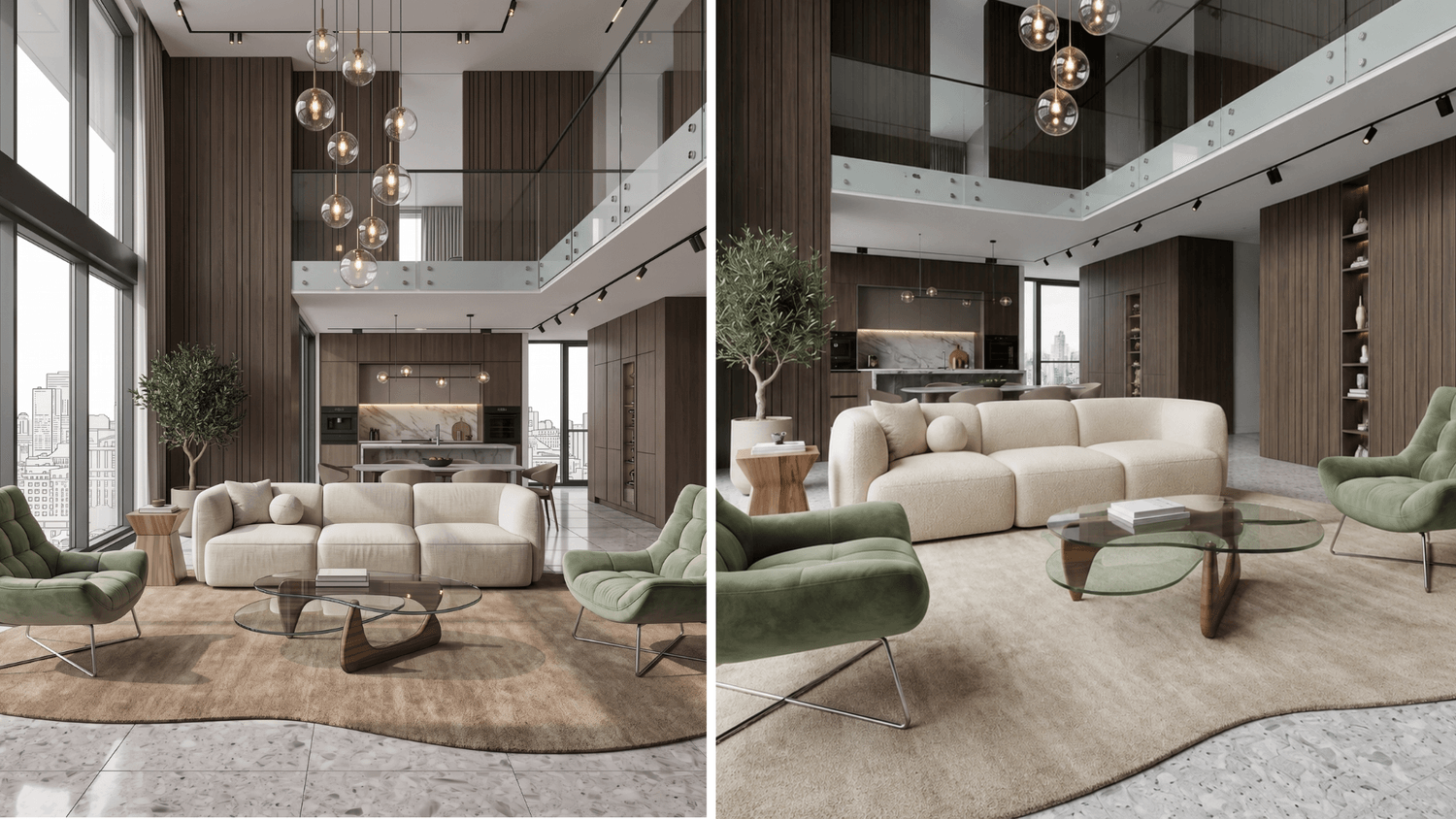
Client changed their mind? No problem - create 3D plans or renders without altering the original 3D model, in minutes, even during the presentation.
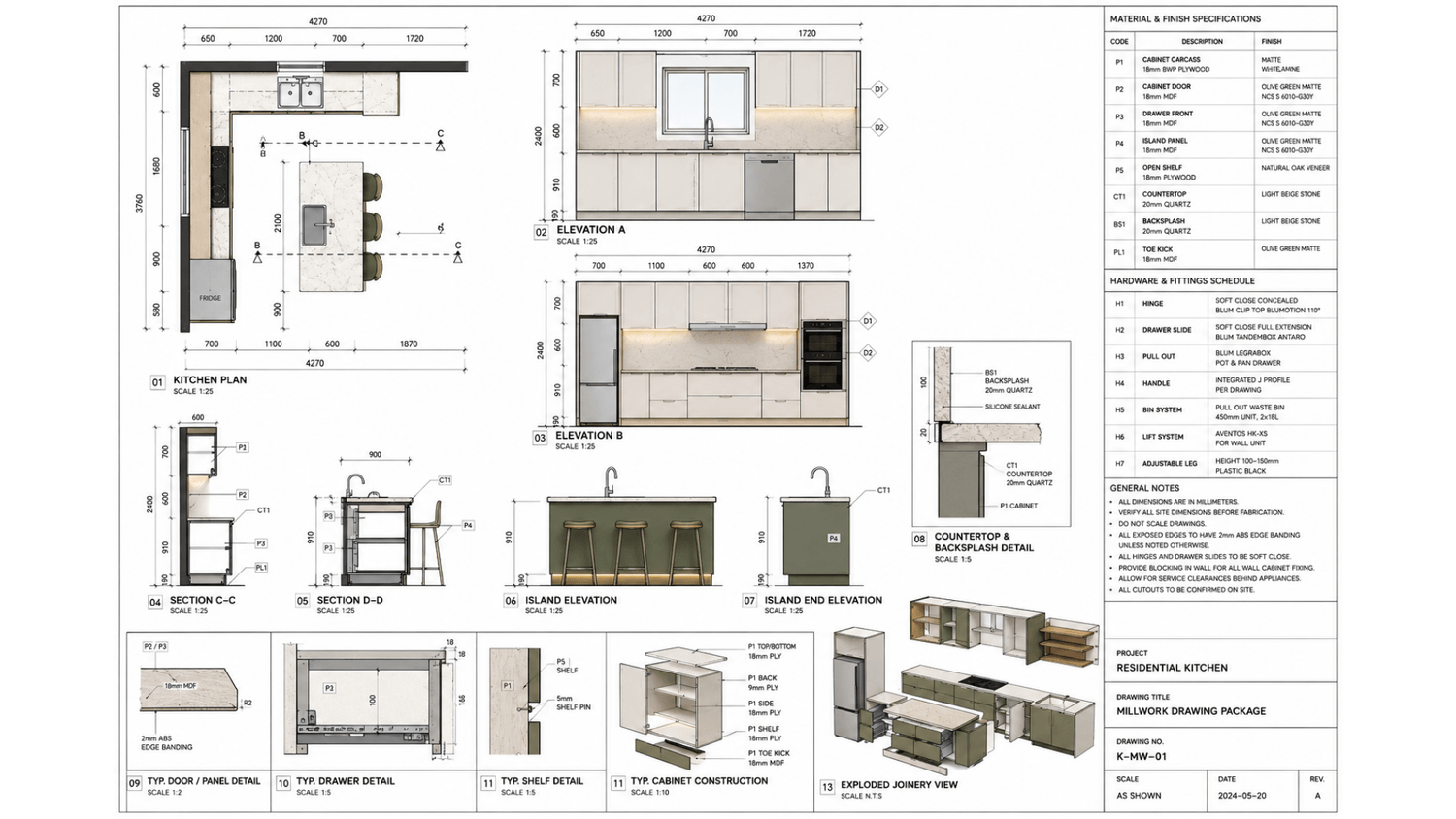
Create 2D & 3D floor plans
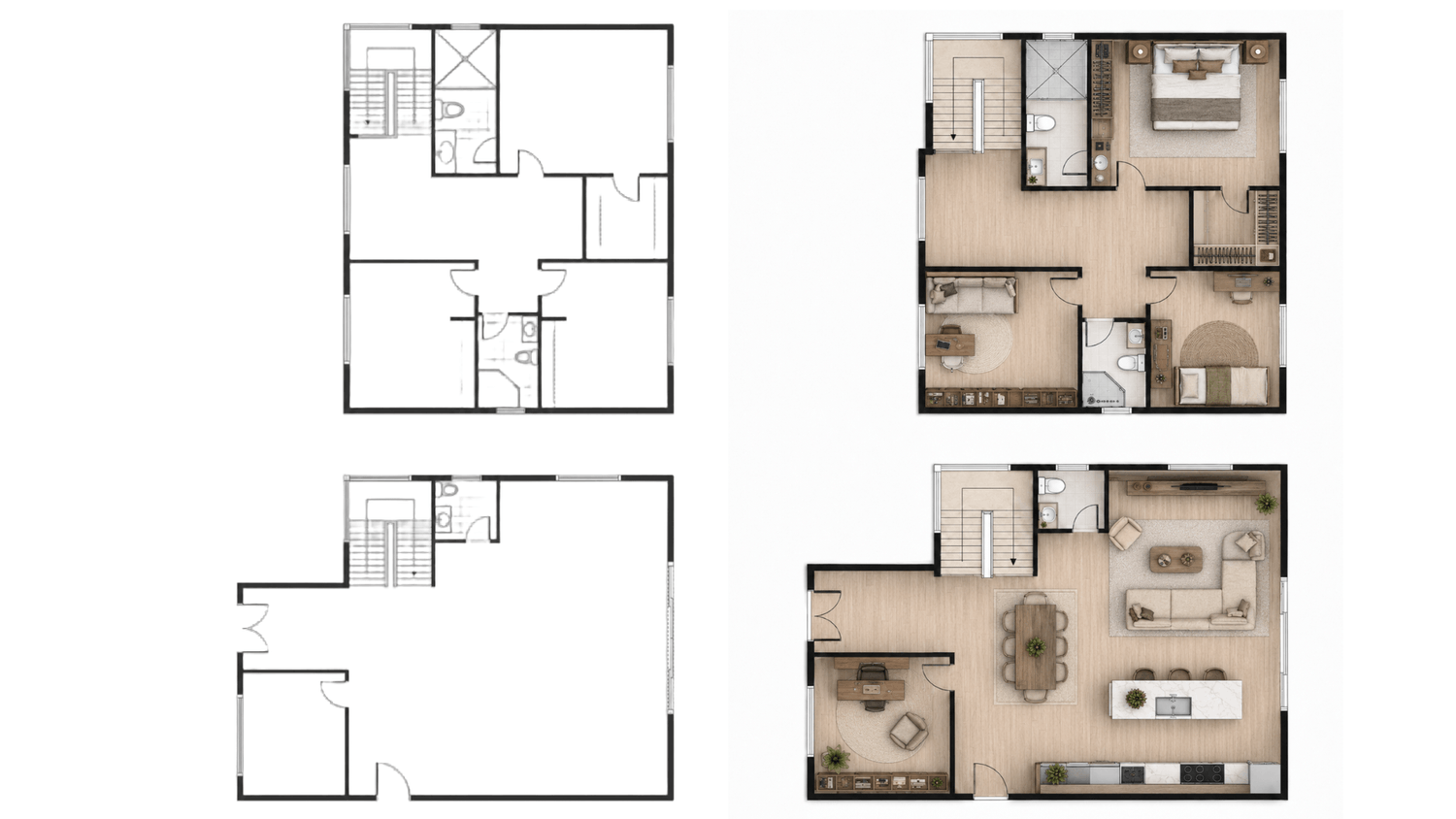
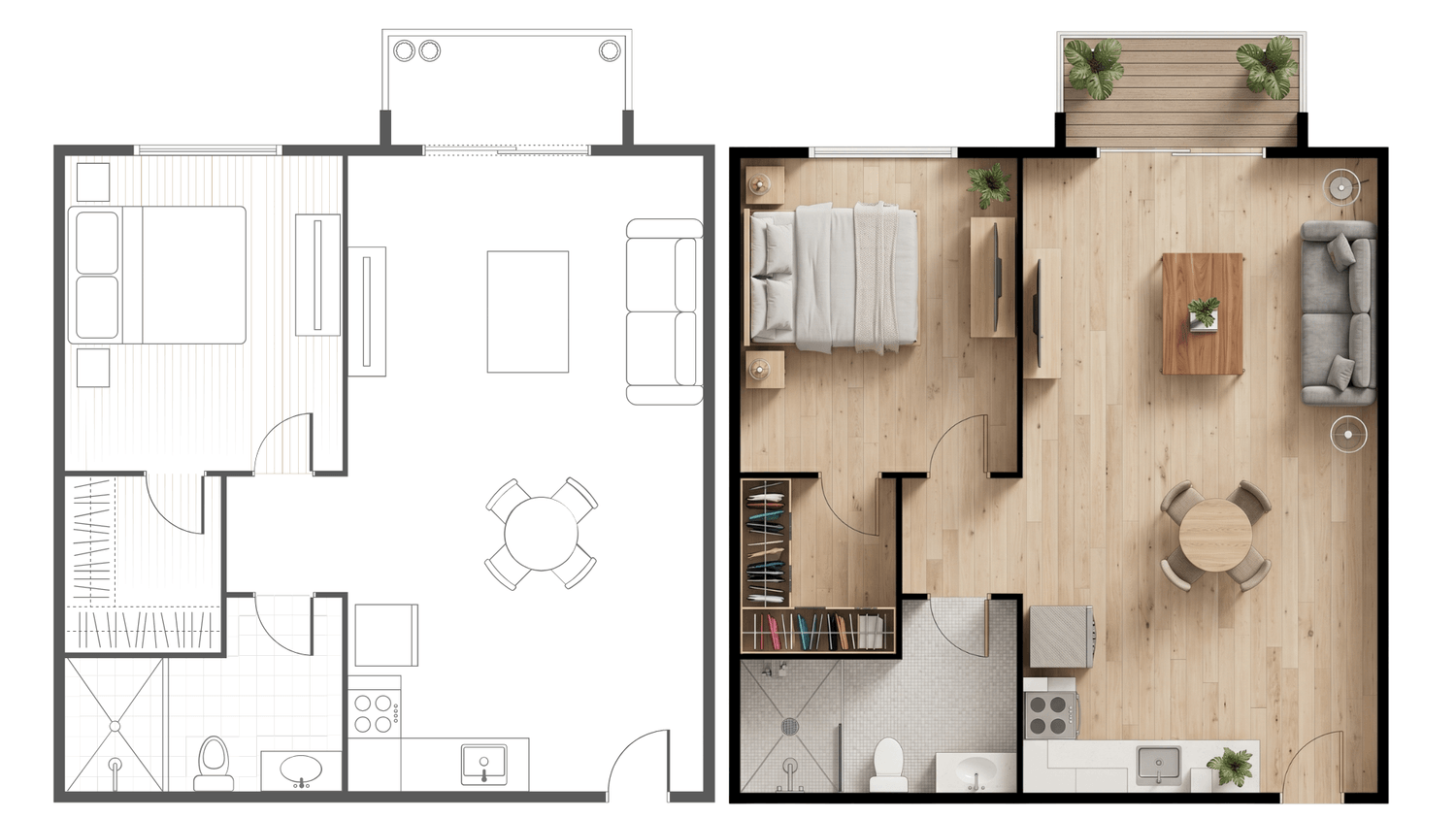
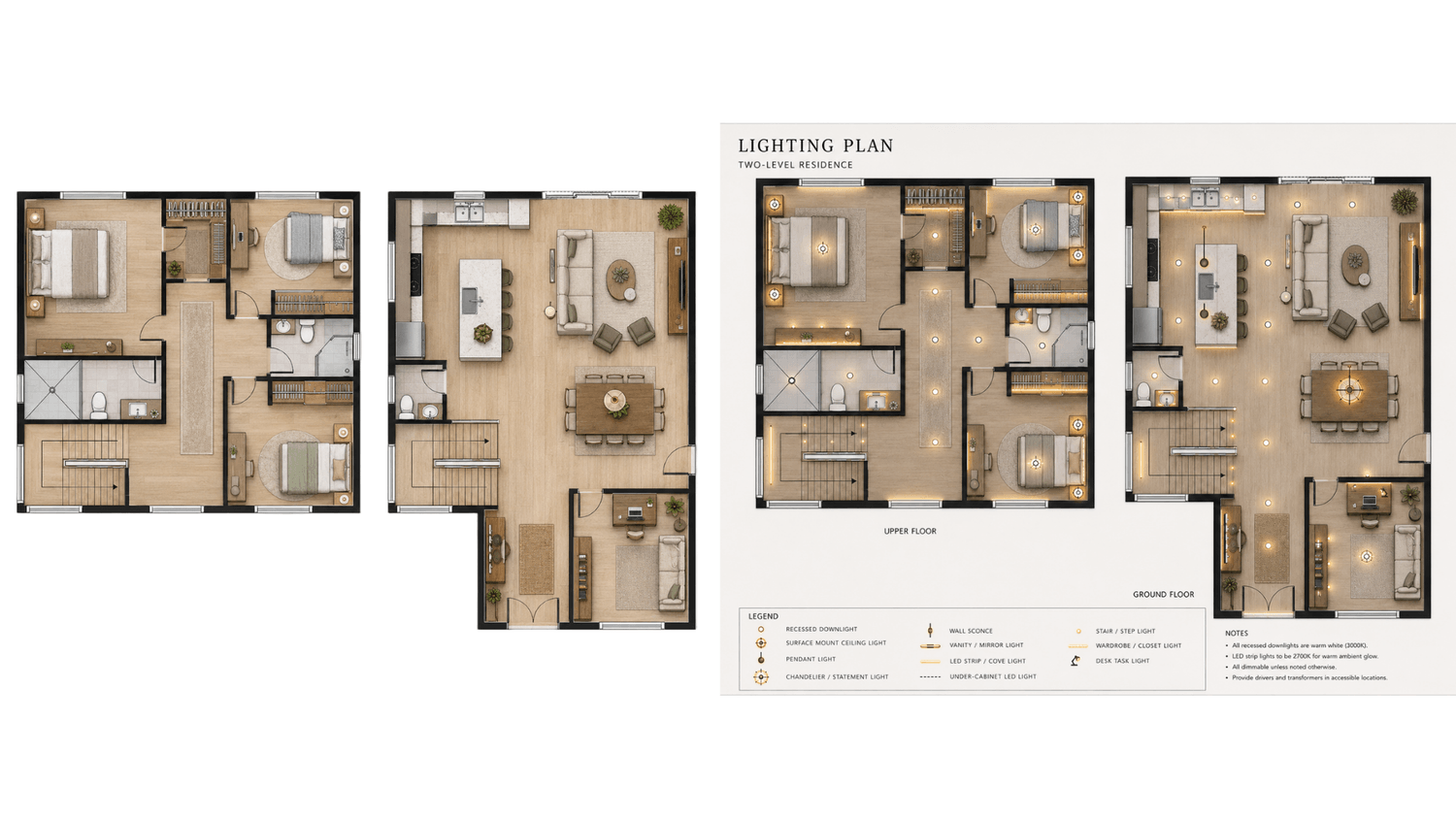
Generate both 2D and 3D floor plans, easily modify interiors, furniture, materials, and color palettes. Create a lighting plan and
millwork drawings all within seconds.
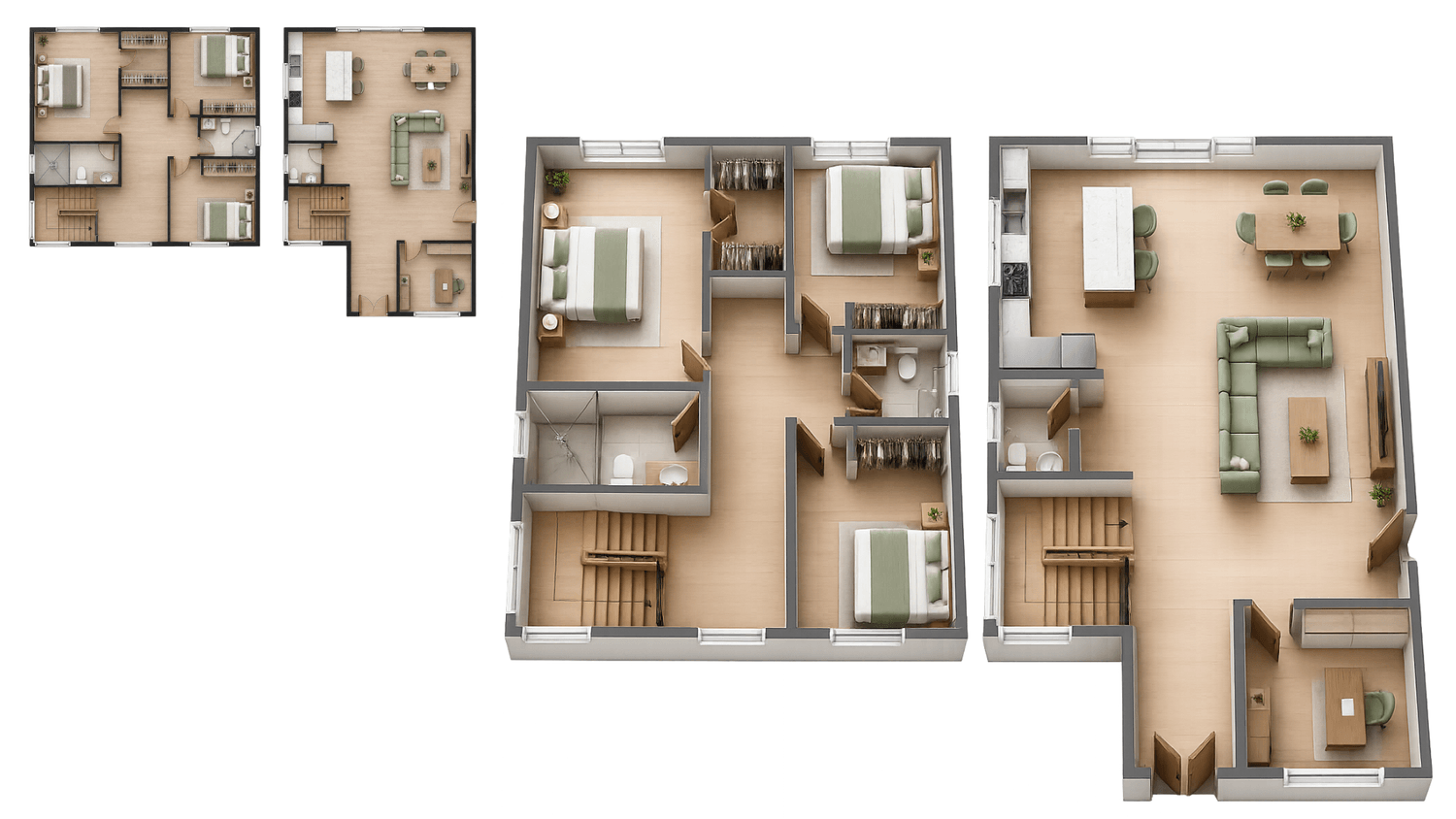
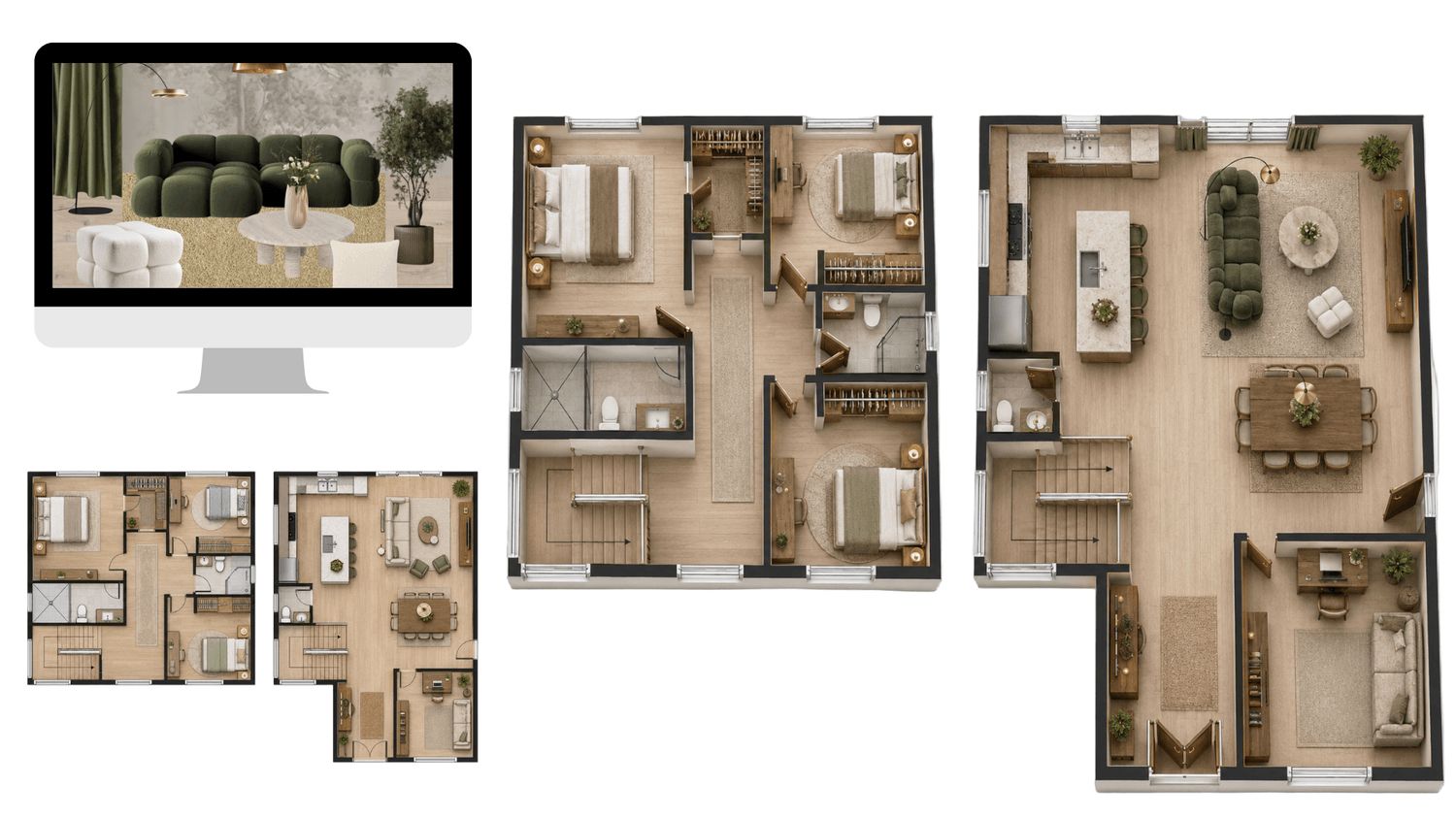
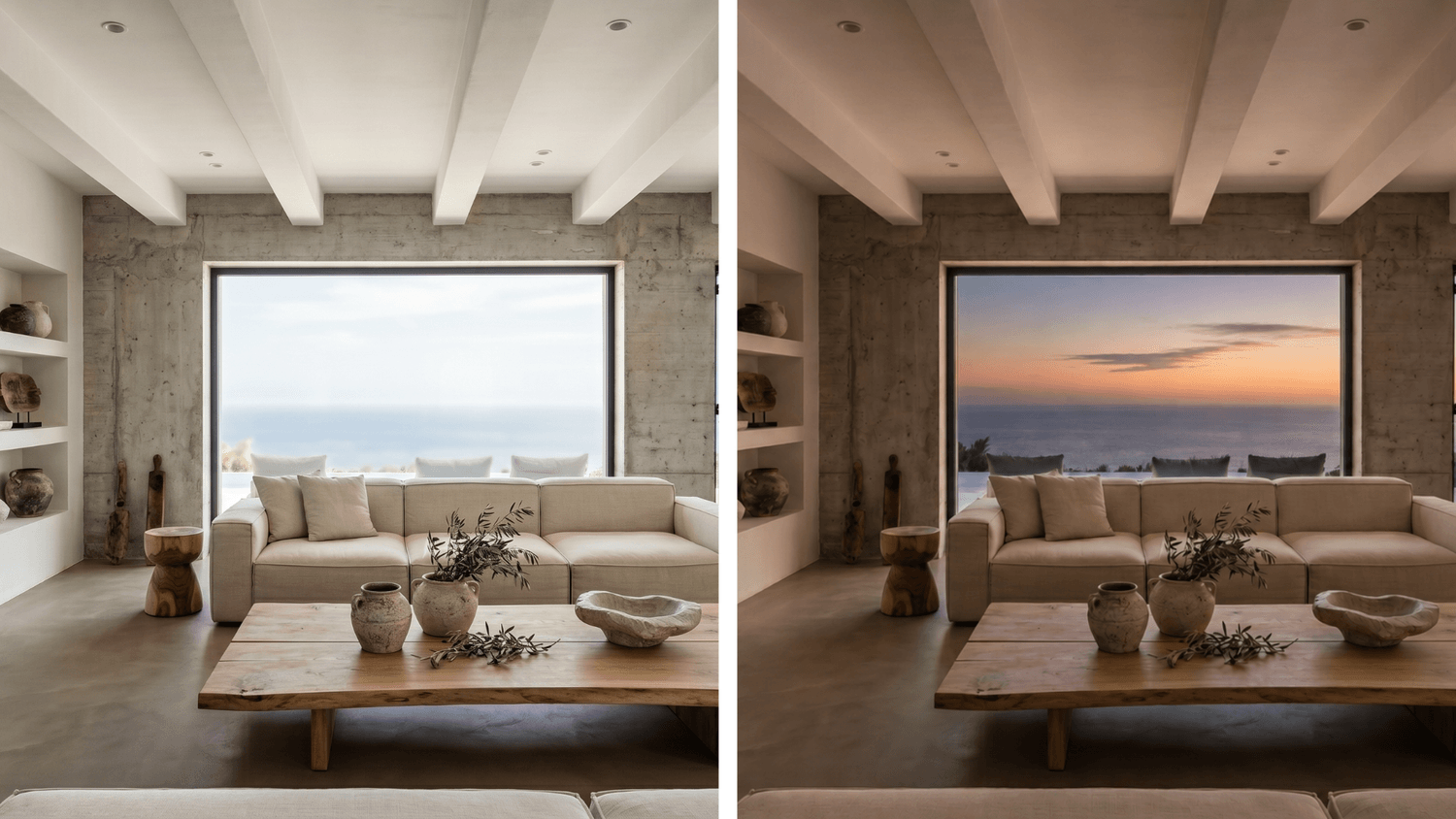
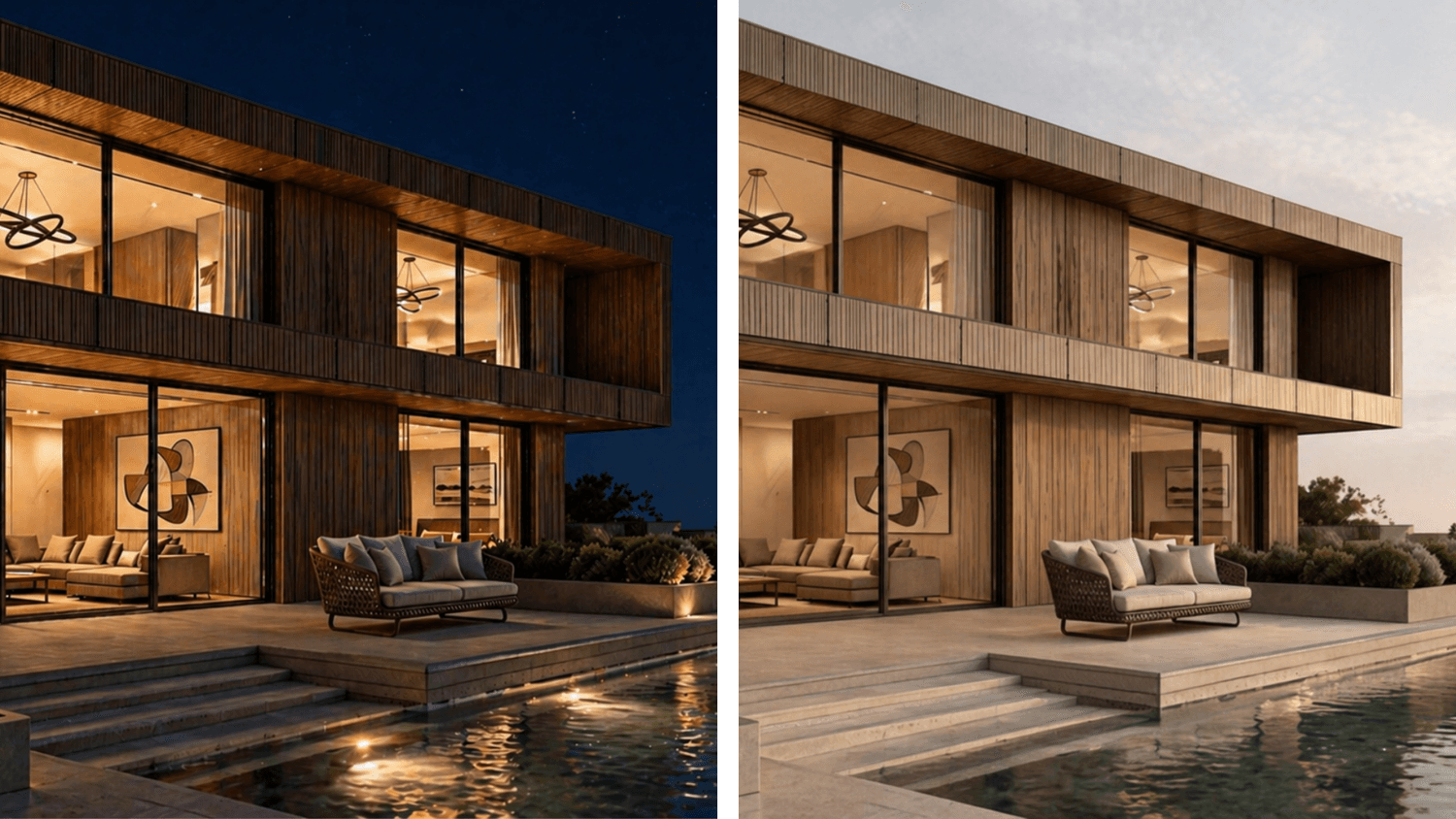
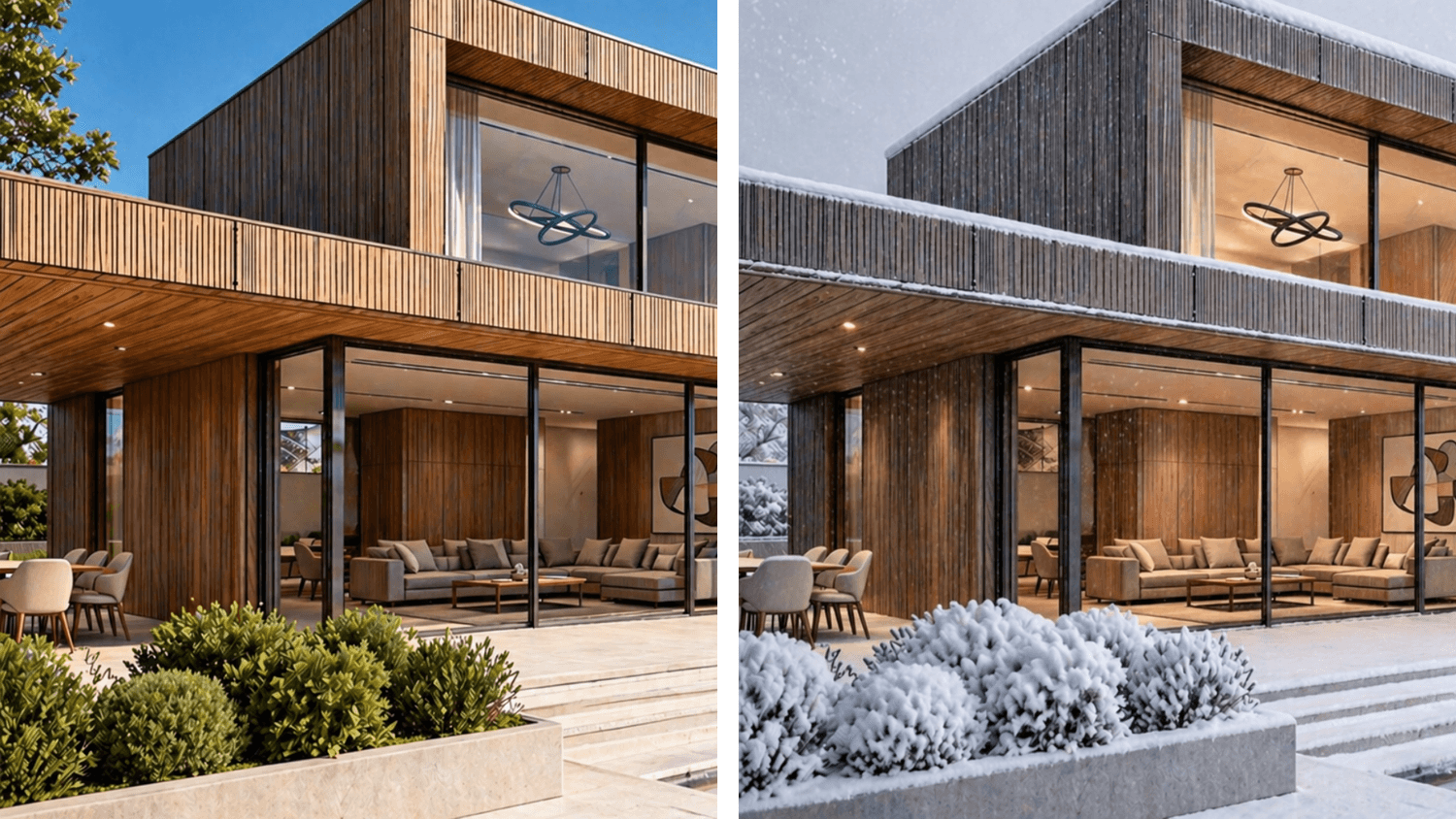
Daytime & seasonal change
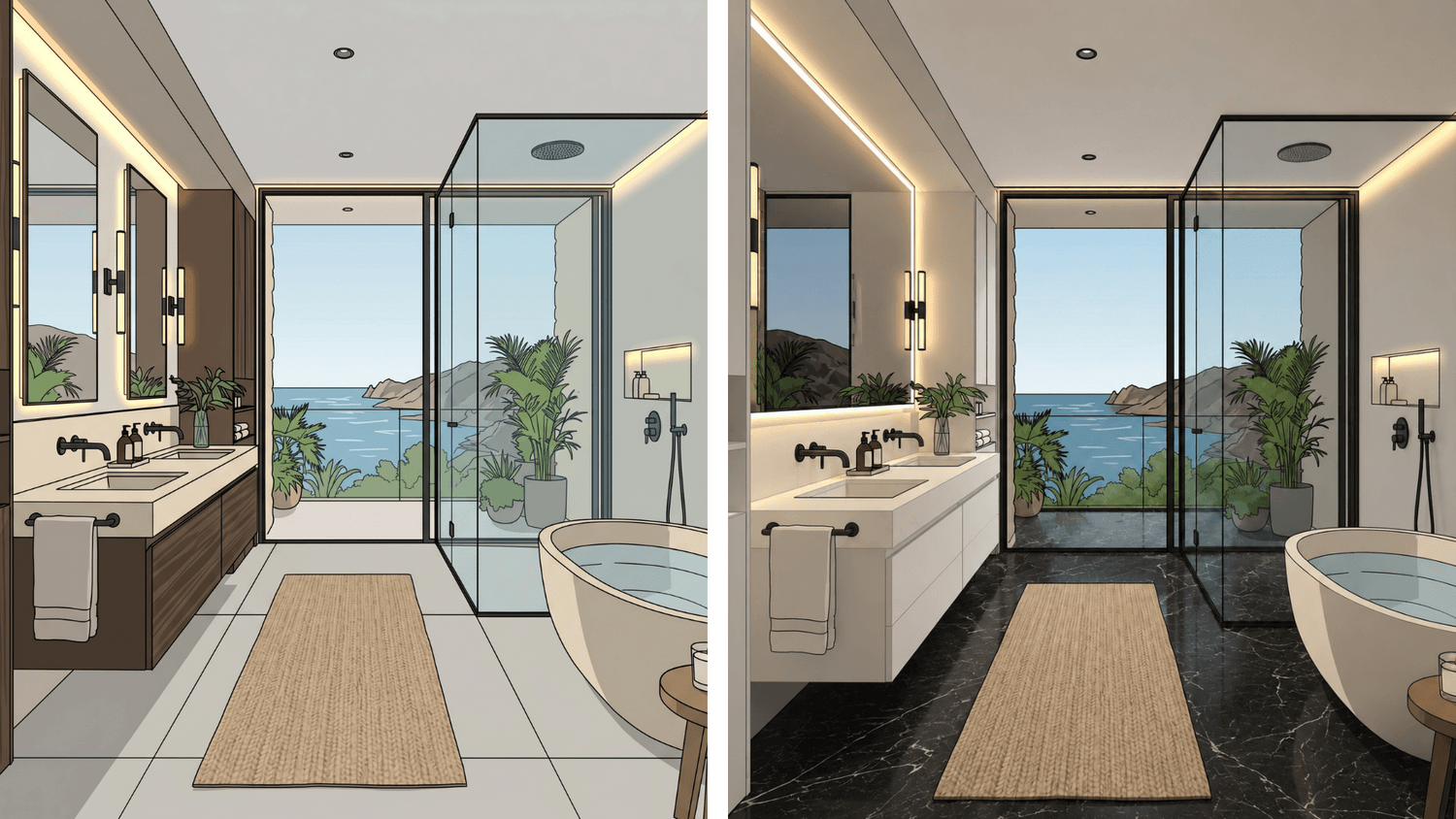
Change the time of day, switch seasons, or transform the landscape. Show clients how the space feels across different lighting conditions, seasons, or locations.
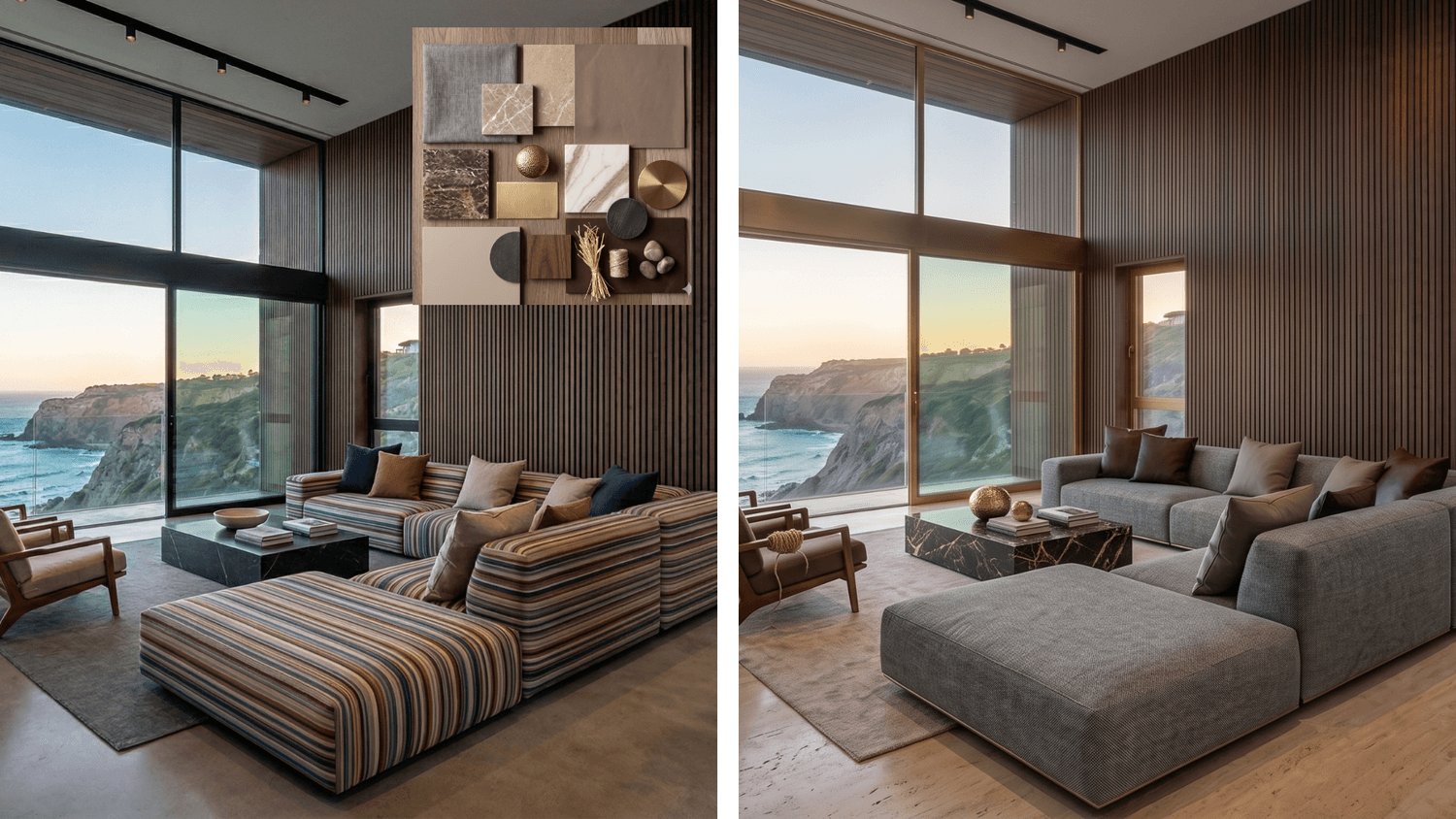
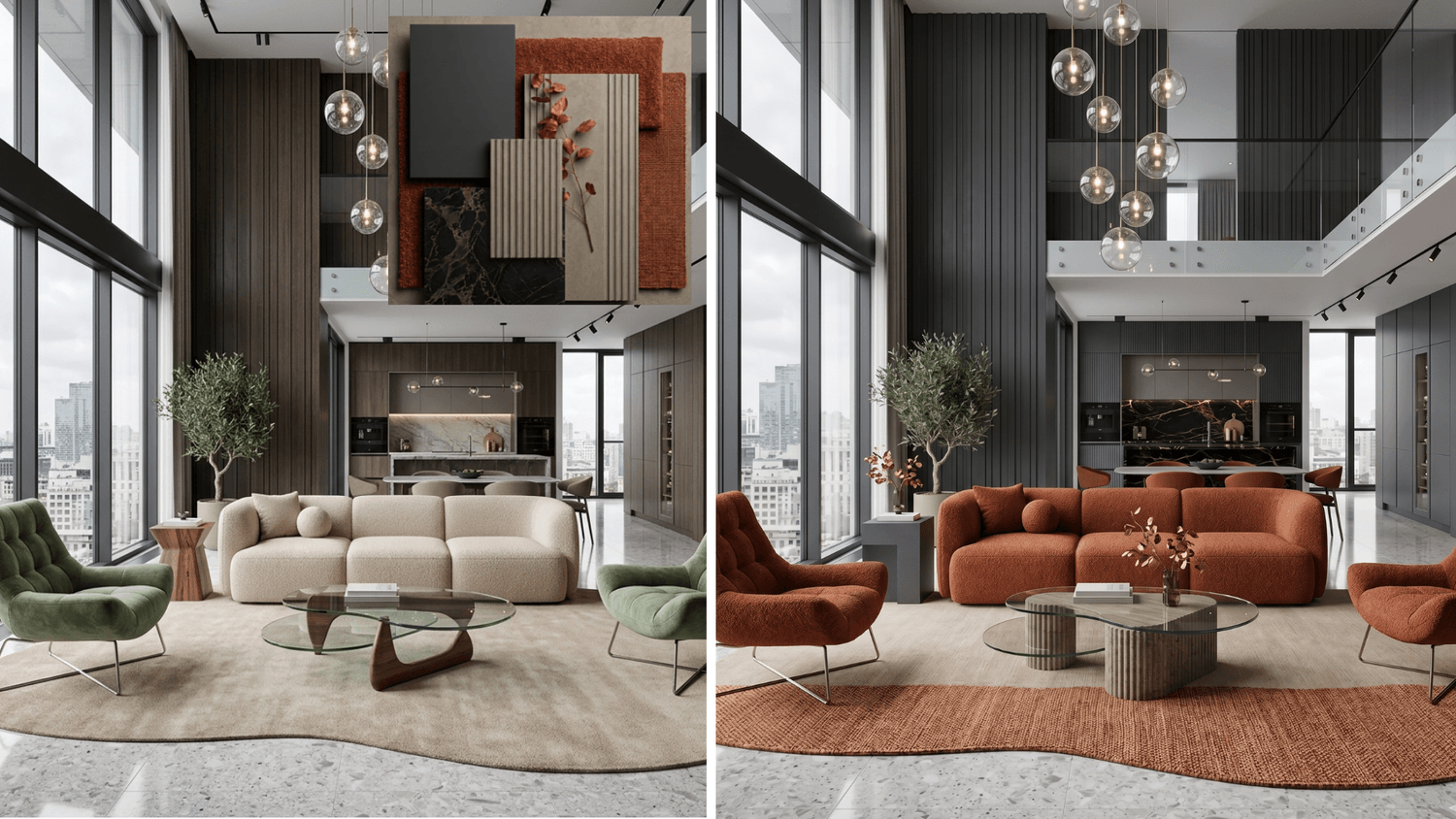
AI color transformation
Quickly experiment with different color palettes on renders or photos using AI. Adjust tones, materials, and overall mood in seconds while exploring multiple design directions.

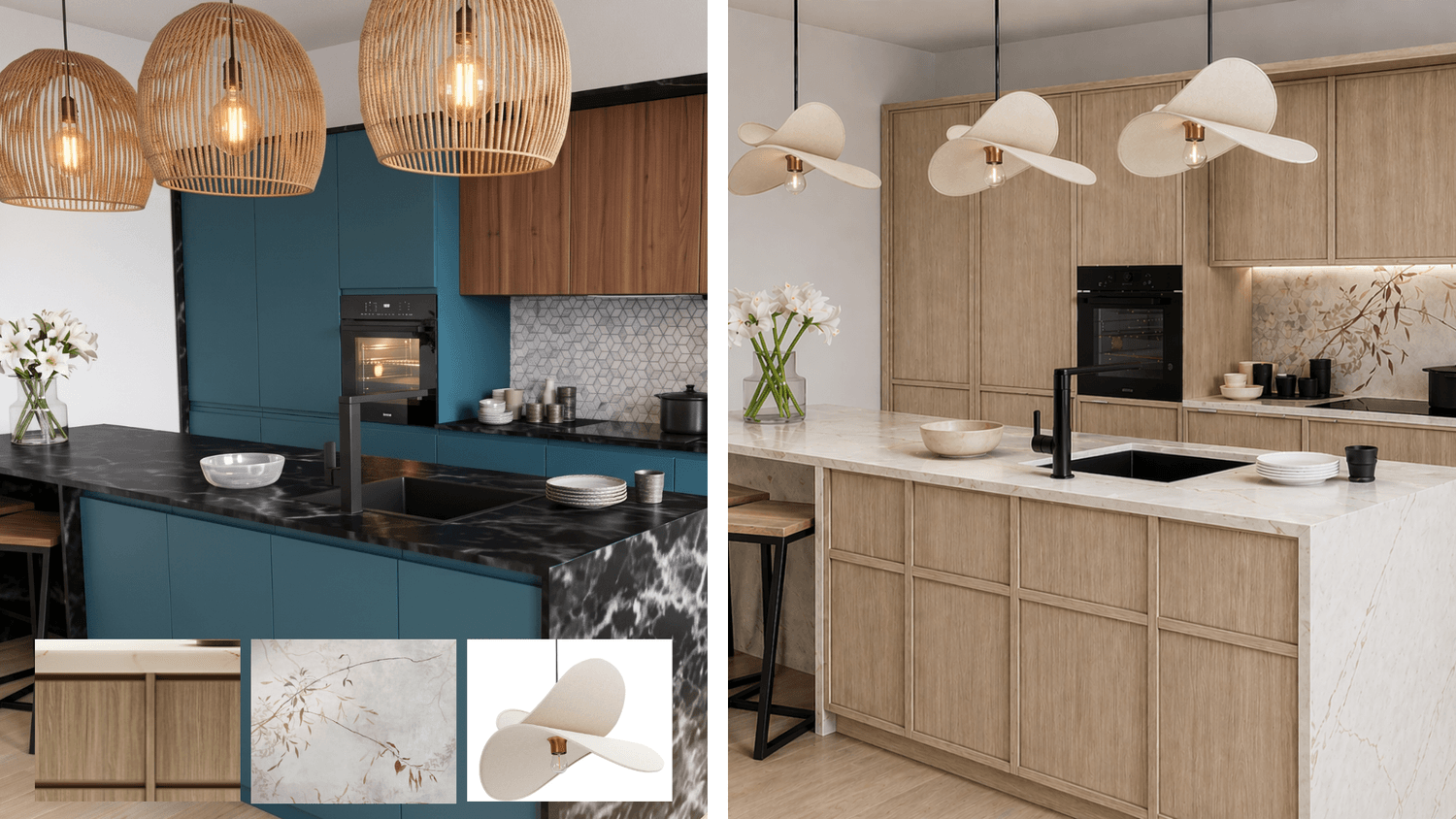
Design, redesign and explore ideas
Help clients make the best choice - design and redesign spaces quickly using real furniture photos, wallpaper, and even color codes.
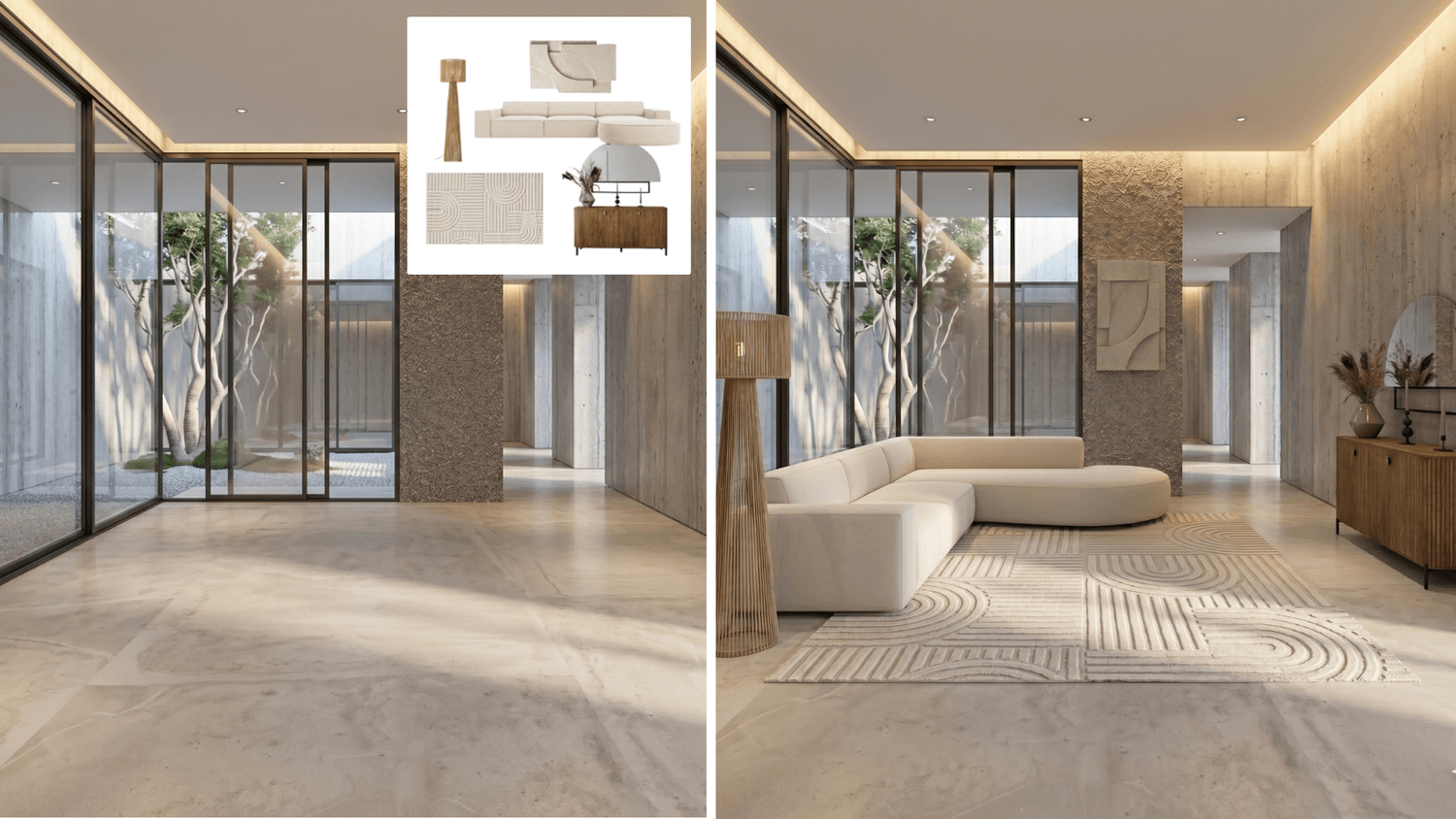
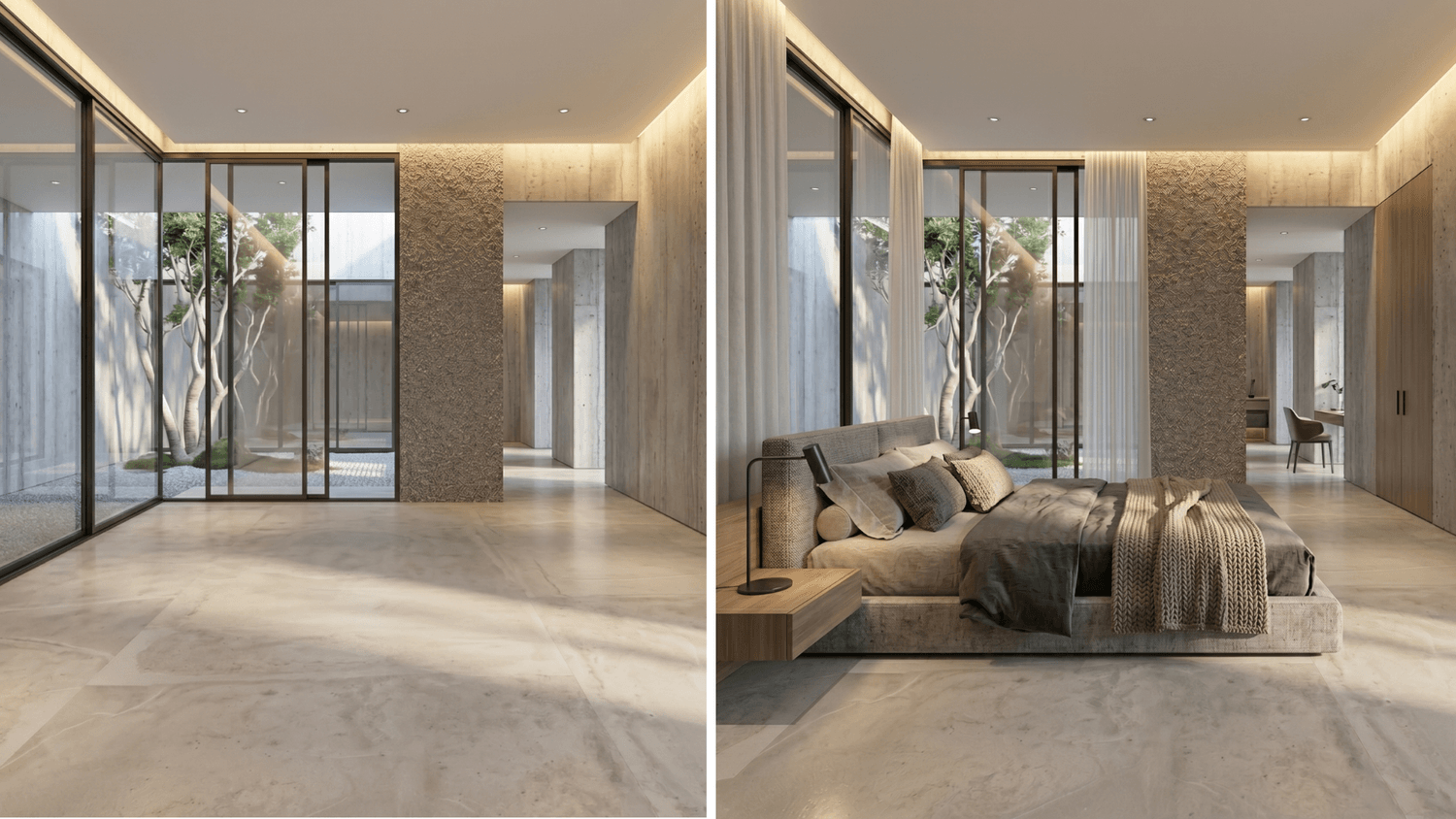
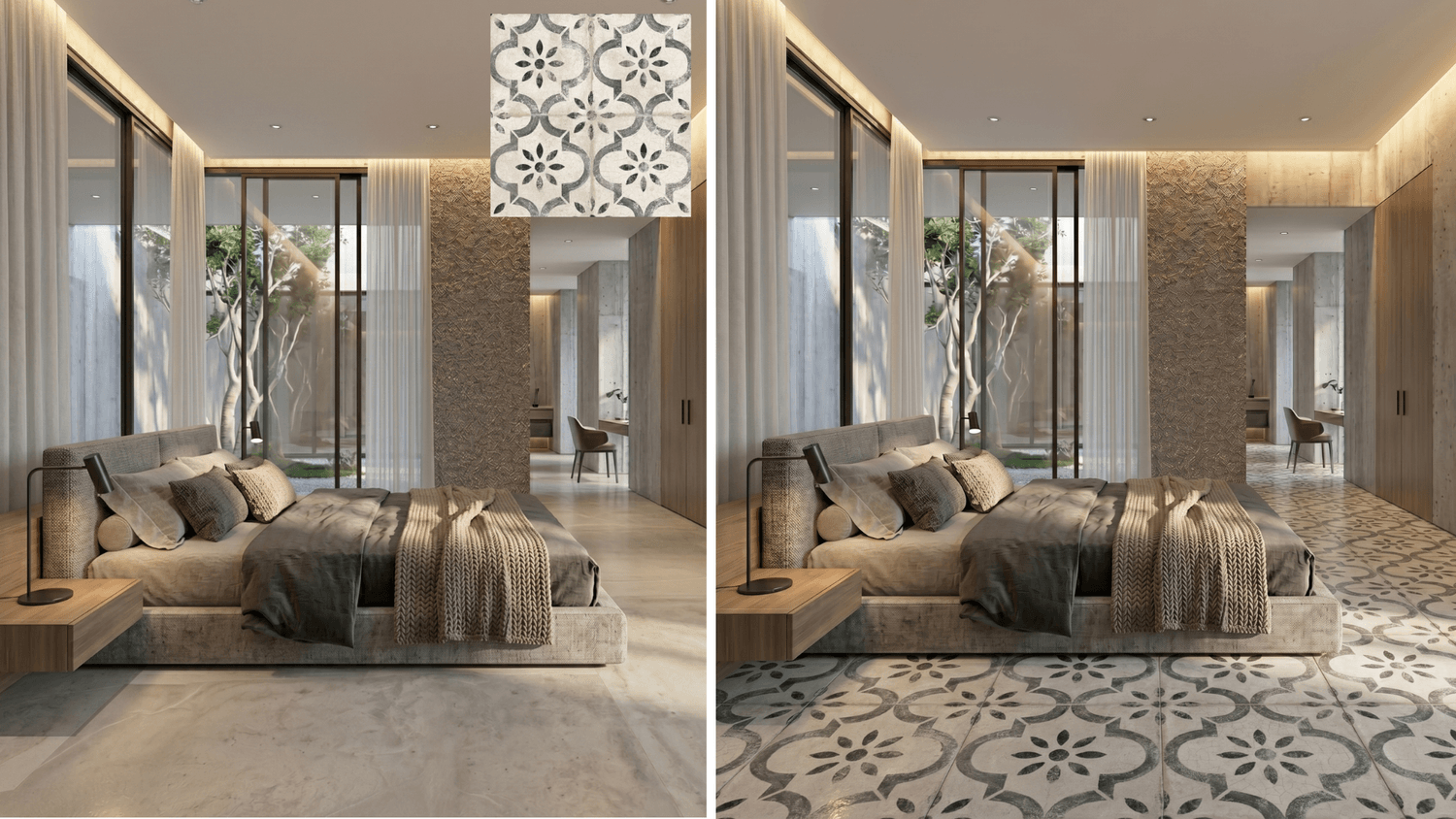
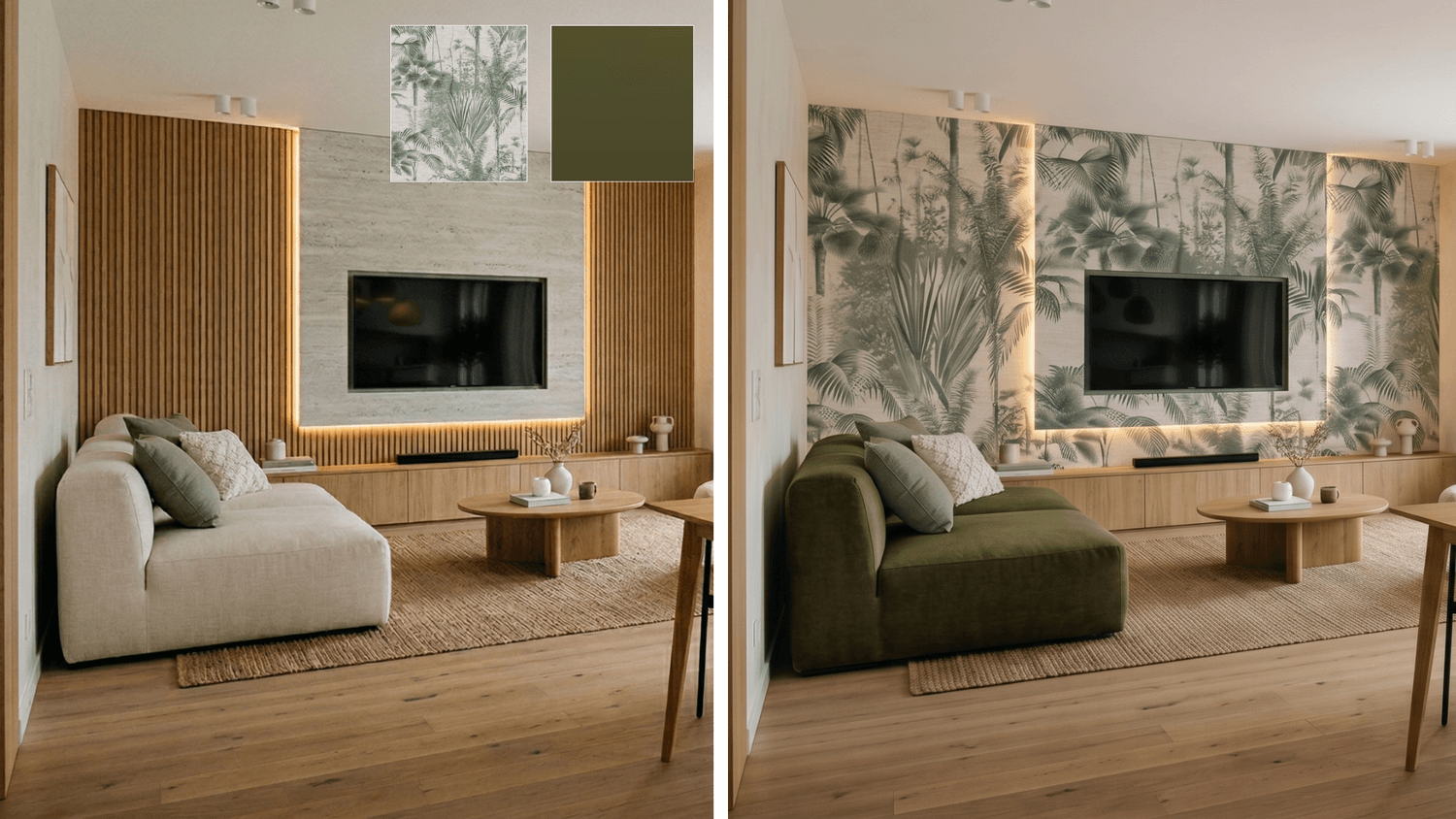
Shape the atmosphere of the space
Create alternative compositions and material-focused interior visuals for presentations, client approvals, and design development.
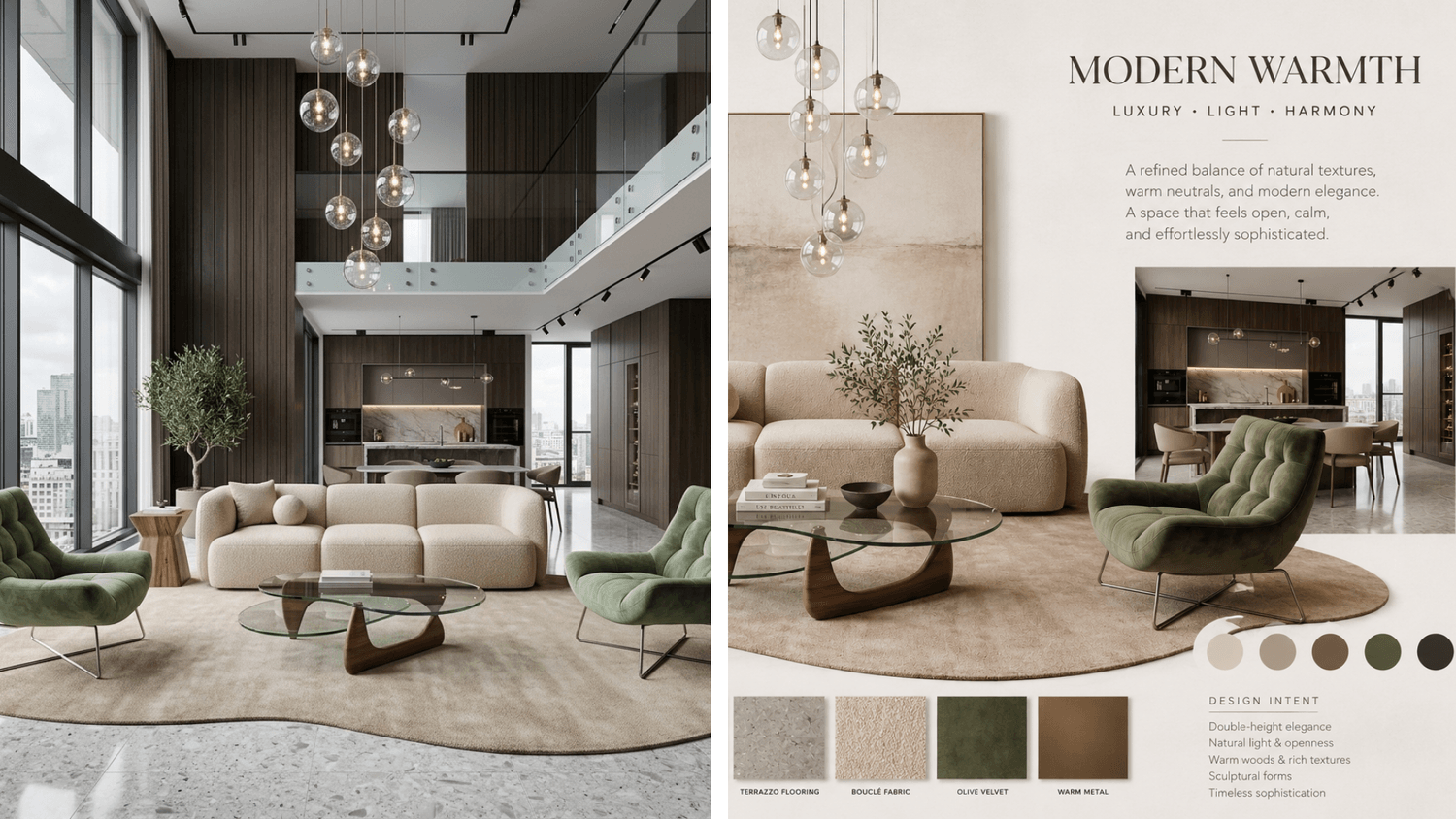
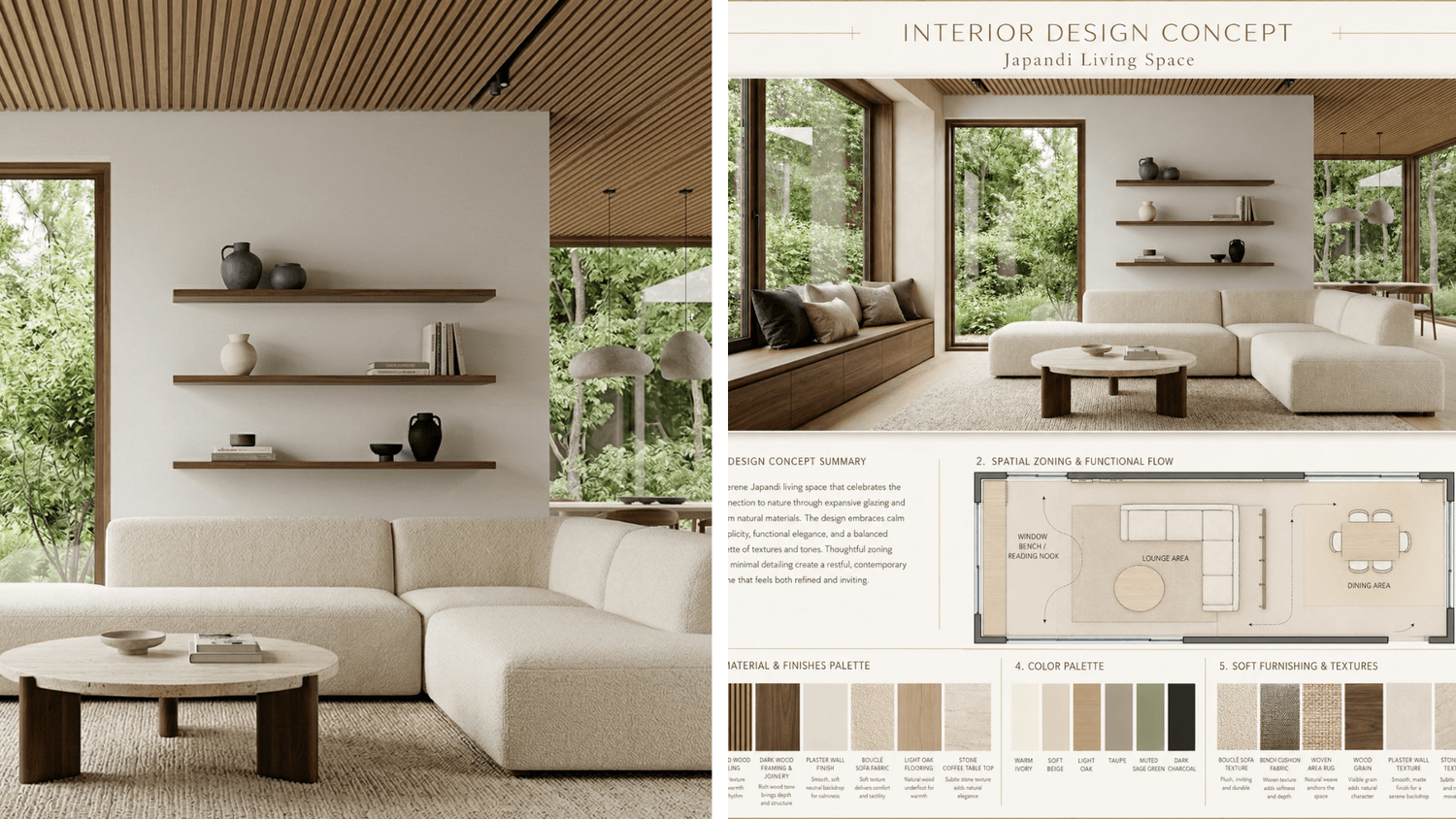
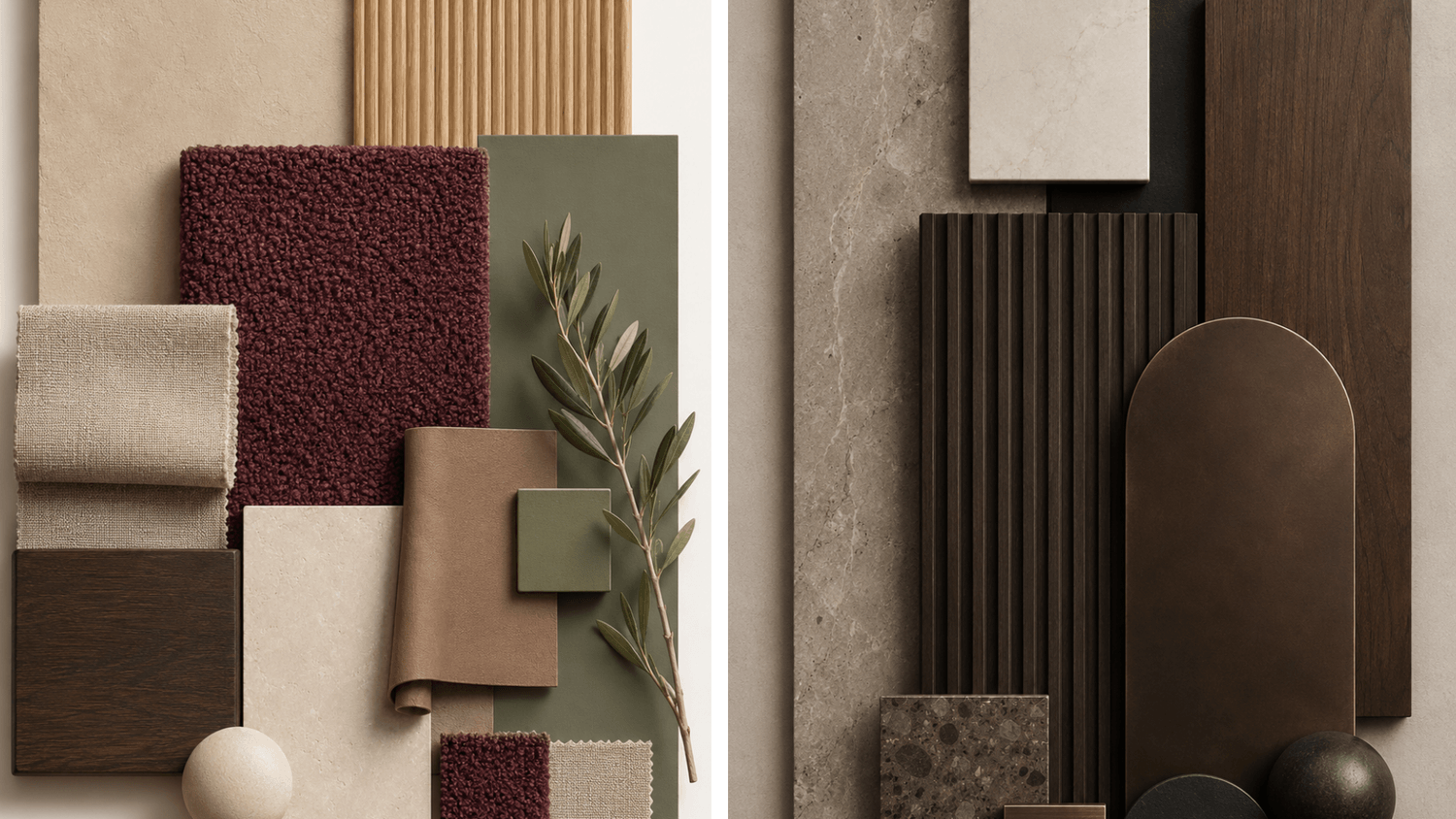
Create moodboards with AI
Create AI-powered moodboards and design concepts to help clients reduce uncertainty and hesitation in decision-making.
Video generation
Create stunning concept or completed project videos with AI video generation, even without time or resources to outsource.
COURSE CURRICULUM
TEN MODULES - REAL-WORLD WORKFLOWS
Every lesson is built around actual client projects and live workshop experience. The course covers a curated set of the most effective tools for interior design workflows - including ChatGPT, Gemini Nano Banana, and Claude - and introduces both free and paid versions, key features, and essential settings, with special attention to data protection.
Each module includes pre-recorded videos with transcripts and downloadable PDF resources.
TOTAL: 8+ HOURS OF VIDEO CONTENT AND 398 PAGES OF SUPPORTING MATERIALS.
01
Mastering ChatGPT, Claude, and Gemini
5 lessons · 7 video tutorials · 45 pages of supporting materials
— Getting started - AI in interior design
— The best AI models for design in 2026
— ChatGPT, Claude, and Gemini: free and paid versions, settings, features, functions, data protection
— How to avoid AI sounding texts
— Prompt strategies and prompt command words
— Setting up your AI workflow from day one
02
AI photorealistic rendering, creating multiple options
3 lessons · 3 video tutorials · 40 pages of supporting materials
— Photorealistic rendering workflows
— Achieve the best results with AI renders: common mistakes, and how to avoid them
— Adjusting 3D models without touching the original 3D plan
— Creating multiple AI renders: changing colors, materials, furniture
— Creating 360-degree panoramic view
03
Creating CAD drawings with AI
1 lesson · 1 video tutorial · 19 pages of supporting materials
— Create CAD drawings in minutes
— Create drawings based on an image, including furniture, exterior, interior, and materials drawings.
— Learn practical workflows and reusable prompts to generate CAD drawings faster and accelerate the early stages of your design process.
04
Working with floor plans
1 lesson · 2 video tutorials · 32 pages of supporting materials
— Work with floor plans - create 2D & 3D floor plans
— Customize the style, color palette, and even the furniture on floor plans
— Create lighting plans & millwork drawings with AI
— Floor plan moodboard styling
— Create an achitectural maquette
05
Space redesign & style variations
1 lesson · 3 video tutorials · 28 pages of supporting materials
— Design an empty space (photo or render) using the moodboard, furniture, decoration, and materials you selected
— Redesign spaces according to your moodboard or selected furniture pieces
— Transform interiors in minutes while preserving the original layout
— Furniture, color, and material swaps.
— Change the time of day and season season.
06
Interior design moodboards & concepts
2 lessons · 2 video tutorials · 39 pages of supporting materials
— Create professional interior design moodboards from interior images
— Create moodboards from furniture images in minutes
— Develop interior design concepts
— Create mini material and color moodboards that can be used in design presentations and moodboards
— Enhance the quality of your renders, remove backgrounds & analyse images
07
Image and video generation
2 lessons · 2 video tutorials · 40 pages of supporting materials
— Image generation: creating not "AI-ish" images
— Transform project photos into reel-style content with video generation
— Tools and prompts for consistent video quality
— Repurposing video for Instagram, portfolio, pitches
08
Client communication & proposals
4 lessons · 4 video tutorials · 41 pages of supporting materials
— Prepare for client meetings and presentations
— Write polished proposals and briefs with AI
— Personalise client emails in seconds
— Structure and document projects efficiently
09
Marketing & social media
3 lessons · 3 video tutorials · 87 pages of supporting materials
— Claude & ChatGPT workflows: use AI to support your marketing, content creation, and client communication.
— Buyer persona: define your ideal client clearly so your messaging, offers, and content feel more focused and relevant.
— Build a 90-day Instagram & Facebook content strategy and 39 ready-to-use carousel posts — with AI support.
— Blog articles: write structured, SEO-conscious blog articles without starting from a blank page.
10
Advanced workflow system
4 lessons · 4 video tutorials · 27 pages of supporting materials
— Move beyond simple prompting and build AI systems that support your business every day.
— AI assistants: automate repetitive tasks and create reusable workflows.
— AI agents: delegate more complex multi-step tasks to AI.
— Claude skills: create structured Claude skills & workflows
— AI-powered websites: create professional web pages in minutes
500+ DESIGNERS · SINCE 2024
STUDENTS RESULTS
From hours to minutes

"The techniques presented helped me make certain processes more efficient and significantly speed up my administrative tasks, which is a direct benefit. At the same time, they also provided a long-term shift in perspective, helping me build trust in AI - I now turn to it even in situations where I previously wouldn’t have thought to ask for help."
Emma N., interior designer
"It was extremely useful. I particularly appreciated that I received solutions that work immediately and can be applied in practice. Natalia’s direct, friendly style and confident expertise created a great atmosphere and provided a strong foundation."
Olivia E., home stager
"AI rendering has changed my workflow. I can now create high-quality visualizations in just minutes instead of waiting hours or days, which makes a huge difference in project speed and client communication. I also really appreciated how Natalia highlighted the most common mistakes and how to avoid them - this practical guidance makes it much easier to apply AI effectively in real projects. AI is evolving so fast that it’s easy to fall behind, so this course helped me stay ahead and work more confidently with these tools.
Ildiko K., architect and interior designer
"With AI, I can now significantly speed up both my design and business processes. One of the most important topics for me was data protection, which is often overlooked, even though it’s critical - not only for my own work but also for my clients’ data.
Thanks to AI tools, I can handle rendering and redesign tasks much faster, which allows me to respond to client requests more efficiently. This has improved both my workflow and my client communication in a very practical way."
Anna Sz., interior designer
ABOUT THE FOUNDER
From live workshops to a course for interior designers worldwide
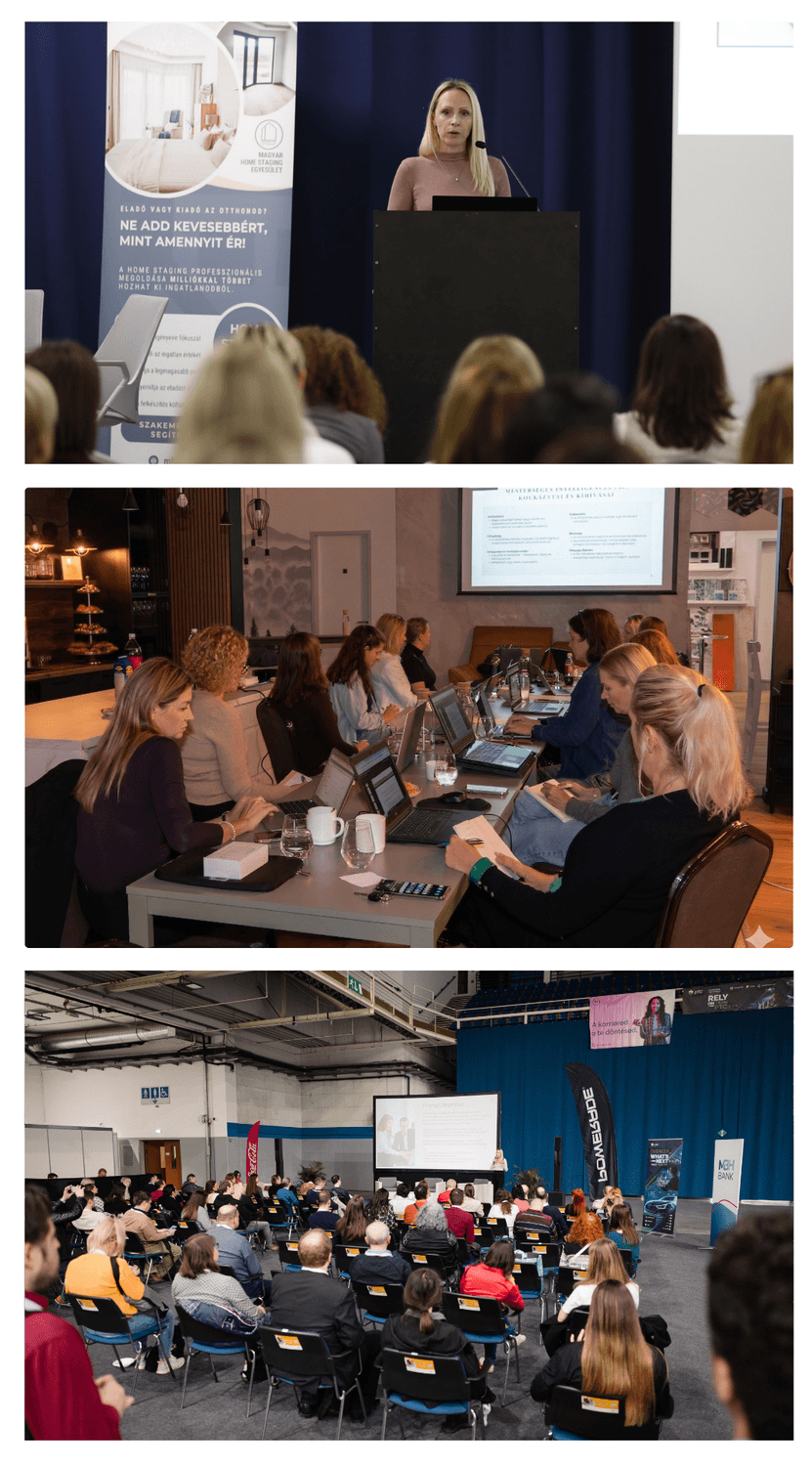
I’m Natalia Konyuhova, founder of Designers Learn AI. Over the past few years, I have worked closely with architects, interior designers, and home stagers through numerous live and online AI workshops. Training more than 500 professionals has given me a deep understanding of the recurring challenges designers face in their daily work.
That experience shaped the approach behind AI for Interior Designers: practical, design-focused workflows that make AI genuinely useful within a professional creative process.
I created this course to bring that hands-on knowledge to an international audience, helping interior designers move from ideas to client-ready visuals, presentations, and documents with greater speed and confidence.
START TODAY
AI FOR INTERIOR DESIGNERS ONLINE COURSE
Join 500+ design professionals using AI to elevate their interior design business. Step-by-step, practical and ready to apply immediately.
AI FOR INTERIOR DESIGNERS
€ 380
+ 12 months updates from launch
AI TOOLS FOR INTERIOR DESIGNERS
10 practical modules tailored to interior designers, architects and home stagers
8+ hours of video lessons and 398 pages of supporting materials
Includes 12 months of future updates from launch
Practical Claude, ChatGPT and Gemini workflows for design, marketing and client communication
Real workflows you can immediately apply to client projects
Create photorealistic renders, moodboards, CAD drawings, floor plans, and design variations
Improve client communication, presentations, and proposals
Build a complete marketing system with AI support
Learn advanced AI workflows, assistants, agents, and automation
Speed up visual output, impress clients, and take on more projects without burnout.
Create compelling visuals from plans earlier in the process and improve client buy-in.
Show clients transformation potential before lifting a single item and close deals faster.
No tech experience needed - the course is ready to use
500+ designers trained
SIGN UP FOR THE NEWSLETTER TO RECEIVE AI TIPS, UPDATES AND SPECIAL OFFERS.
FREQUENTLY ASKED QUESTIONS
None at all. If you can describe a room — the colours, materials, mood — you already have the core skill. Everything else is taught step by step.
The course covers a curated set of the most effective tools for interior design workflows -including ChatGPT, Gemini and Claude - and walks you through their free and paid versions, core functionalities, and important settings, with a strong focus on data protection.
Most students work through the modules over 1–3 weeks, but the course is entirely self-paced. All purchases include access to the Course for 24 months from the Launch Date. The Launch Date of the Course is June 16, 2026. All purchases also include free content updates for 12 months from the Launch Date.
Yes. Every prompt in the course has been tested and refined through real client projects and live workshops. You can apply them directly to your own projects from lesson one.
AI cannot replace the professional expertise, spatial understanding and client relationship skills of a trained designer. What it can do is handle a significant portion of the time-consuming, repetitive visual and administrative work — giving you more time for what matters.
Absolutely. The workflows are designed to be useful across all three professions.
AI & Canva courses for interior designers, architects and home stagers
www.designerslearnai.com




© 2026 Designers Learn AI. All rights reserved.
Sign up for the newsletter for interior designers